8-12s
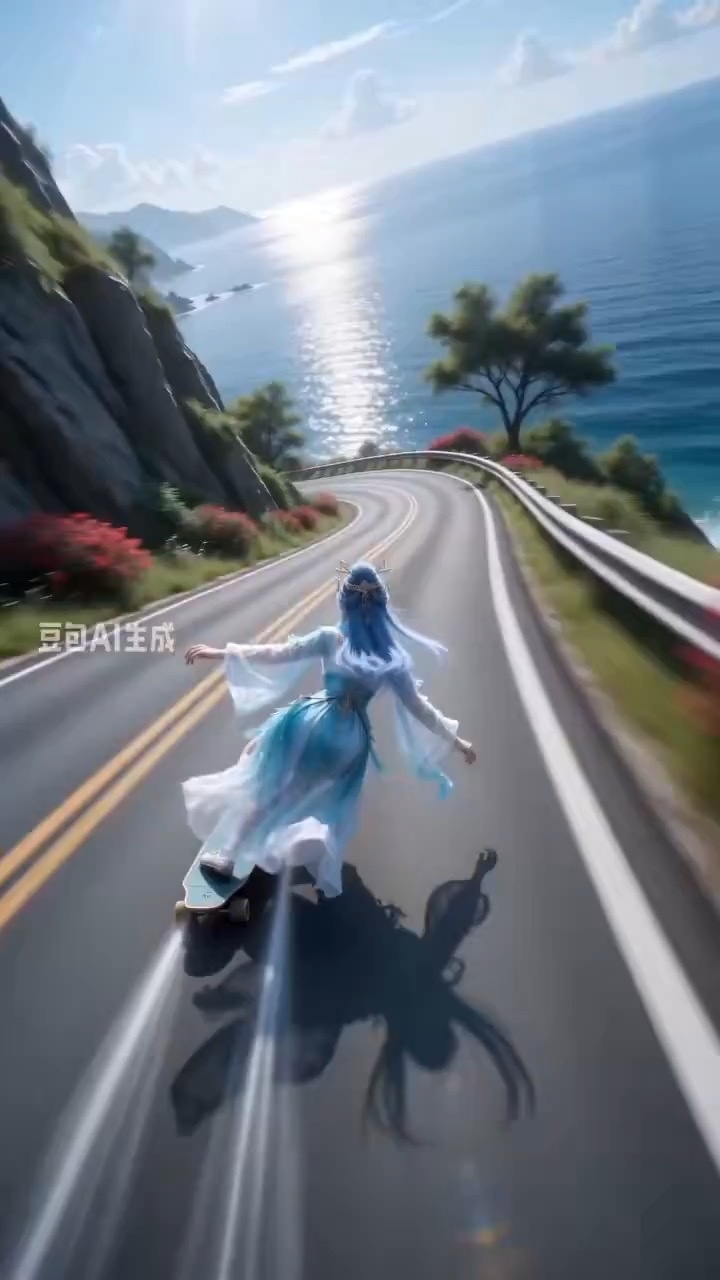
अल्ट्रा-वाइड कैमरा मोशन और हाई-स्पीड कर्व ट्रैकिंग वाला तटीय पहाड़ी स्केटबोर्ड रश वीडियो प्रीव्यू.
स्पोर्ट्स वीडियो ब्रीफ: तटीय सड़क / अल्ट्रा-वाइड फॉलो शॉट / S-curve स्पीड / motion blur / स्थिर अंत
explainer idea को clear panels, readable motion arrows और editable caption space वाले cinematic keyframe grid में बदलने के लिए video prompt.
प्रीव्यू
वीडियो प्रॉम्प्ट
cinematic storyboard grid problem, process और takeaway panels से गुजरता है, clean arrows और editable labels के साथ।
clean panels, highlighted keyframes, motion arrows, editable labels और readable final takeaway वाला explainer storyboard grid video.
8-10 सेकंड का video generate करें जो explainer concept को cinematic storyboard grid की तरह present करे। शुरुआत clean 6- या 9-panel board layout से करें, फिर तीन key panels से animate करें: problem setup, process या mechanism, और final takeaway। subtle camera pushes, panel-to-panel highlights, simple motion arrows और consistent color coding उपयोग करें ताकि viewer dense text पढ़े बिना sequence समझ सके। सभी labels को short editable placeholders रखें। even panel spacing, stable perspective, readable icons, consistent character या object scale, और captions के लिए clean negative space बनाए रखें। real brand logos, tiny unreadable text, random symbols, mismatched panel styles, warped anatomy, chaotic transitions, heavy motion blur और storyboard system के बाहर extra scenes से बचें।
उपयोग नोट्स
explainer topic, panel count, step labels, icon style, color coding, camera push, arrow direction और final takeaway text area बदलें।
प्रॉम्प्ट के अक्सर पूछे जाने वाले सवाल
explainer topic, panel count, step labels, icon style, color coding, camera push, arrow direction और final takeaway text area बदलें।
check करें कि panels aligned रहें, arrows sequence समझाएं, labels editable और readable रहें, icons consistent style रखें, और final takeaway clear हो।
हां। beat structure और constraints बनाए रखें, फिर Rivya में चुने गए model के अनुसार detail density, aspect ratio और duration adjust करें।
इस मोड के और प्रॉम्प्ट