8-10s
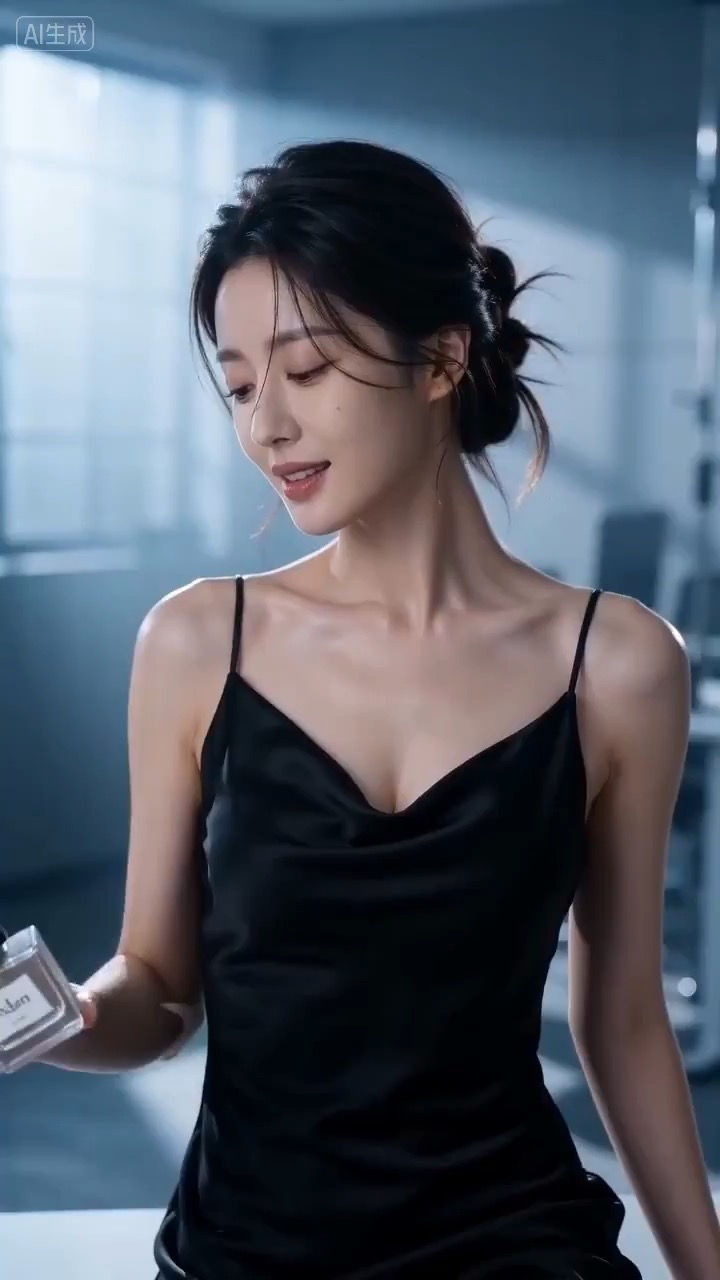
सिनेमैटिक परफ्यूम लॉन्च वीडियो प्रीव्यू, जिसमें उत्पाद मोशन, रोशनी की दिशा, कैमरा पथ और अंतिम फ्रेम दिखते हैं।
सिनेमैटिक परफ्यूम लॉन्च वीडियो ब्रीफ: सेटअप / उत्पाद रिवील / कैमरा पथ / निरंतरता / स्पष्ट अंतिम फ्रेम / समीक्षा जांचें
App onboarding motion storyboard के लिए reusable video prompt बनाएं, जिसमें editable UI steps, screen copy, gesture cues, camera path और review checks शामिल हों।
प्रीव्यू
वीडियो प्रॉम्प्ट
App onboarding motion storyboard preview, जो welcome setup, UI step transitions, gesture cues, editable copy और final success frame पर केंद्रित है।
App onboarding motion storyboard prompt, जिसमें editable UI steps, screen copy, gesture cues, camera path, success ending और brand-safe constraints शामिल हैं।
App onboarding motion storyboard पर केंद्रित 8-10 सेकंड का video prompt बनाएं। इसे तीन ठोस beats वाले reusable video brief की तरह लिखें: opening में clean welcome screen दिखाएं जो user's goal और app's first promise frame करे; middle में two or three editable UI panels से गुजरें जहां sign-up, setup और first action animated cards, arrows, tap cues या cursor highlights के जरिए connect हों; end में stable success screen या dashboard hero frame पर रुकें, जो landing page preview, product showcase या social cutdown के लिए काम कर सके। Clip को product explainer जैसा shape दें: interface text generic और editable रखें, screen transitions readable बनाएं, panels के बीच spatial continuity preserve करें, और एक satisfying motion beat दिखाएं जो real customer data expose किए बिना workflow समझाए। Pacing, lens feel, camera distance, lighting, motion blur और continuity rules साफ specify करें ताकि output readable रहे। सभी app screens, interface text, user details, icons, colors और logos editable रखें। Real brand names, celebrity references, fixed IP, unreadable microcopy, customer data, unsafe claims, sudden teleport cuts, inconsistent UI scale, warped hands और unrelated extra scenes से बचें।
उपयोग नोट्स
Run करने से पहले app category, onboarding steps, screen mockups, UI copy, gesture cues, camera move, duration, delivery channel और किसी भी editable logo area को बदलें।
प्रॉम्प्ट के अक्सर पूछे जाने वाले सवाल
App category, onboarding steps, screen mockups, UI copy, gesture cues, camera move, duration, delivery channel और किसी भी editable logo area को बदलें।
Motion readability, subject continuity, camera stability, brand safety, usable final frame और यह जांचें कि generated text या signage को cleanup की जरूरत है या नहीं।
हां। Beat structure और constraints बनाए रखें, फिर Rivya में चुने गए model के हिसाब से detail density, aspect ratio और duration adjust करें।
इस मोड के और प्रॉम्प्ट