8-10s
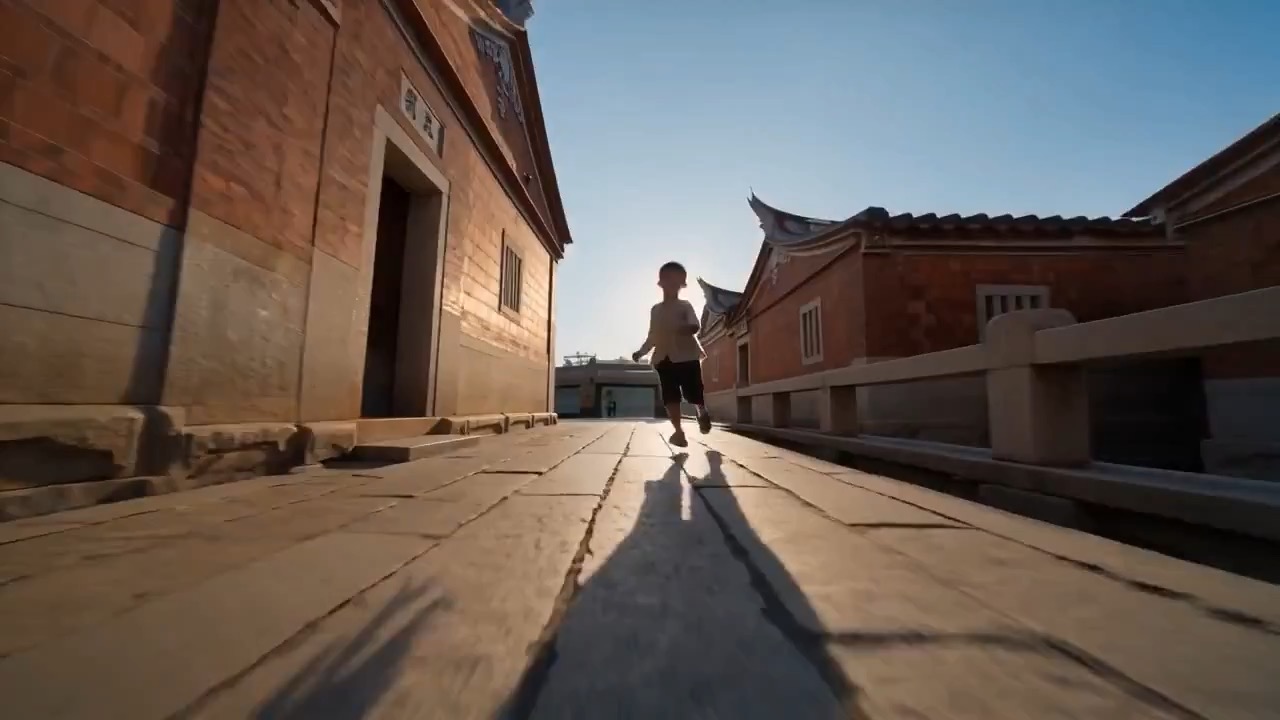
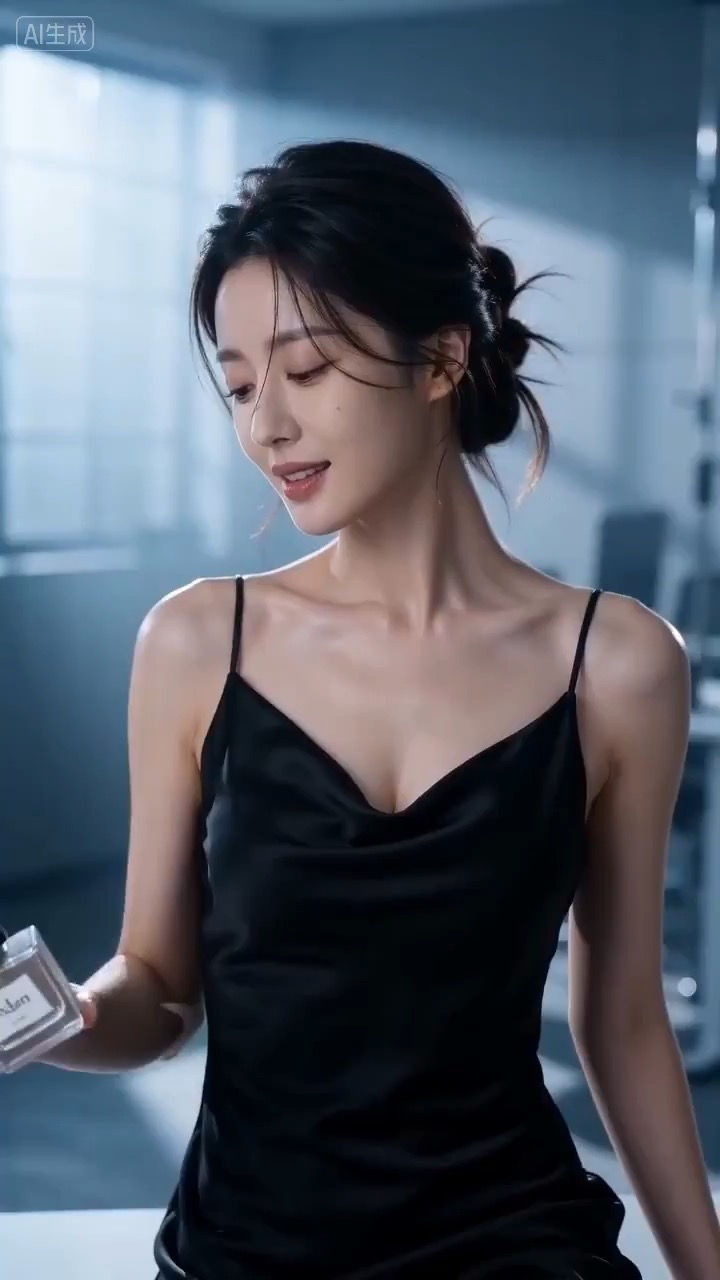
सिनेमैटिक परफ्यूम लॉन्च वीडियो प्रीव्यू, जिसमें उत्पाद मोशन, रोशनी की दिशा, कैमरा पथ और अंतिम फ्रेम दिखते हैं।
सिनेमैटिक परफ्यूम लॉन्च वीडियो ब्रीफ: सेटअप / उत्पाद रिवील / कैमरा पथ / निरंतरता / स्पष्ट अंतिम फ्रेम / समीक्षा जांचें
controlled dessert-shop panoramic spin के लिए reusable video prompt बनाएं, जिसमें editable dessert product focus, counter reveal, warm interior, creator-style reaction और review checks हों।
प्रीव्यू
वीडियो प्रॉम्प्ट
dessert-shop panoramic spin का preview, जो product sharpness, controlled rotation, warm interior detail, creator reaction और clean return to product पर केंद्रित है।
dessert shop panoramic spin video prompt, जिसमें editable dessert product focus, counter reveal, warm interior, creator reaction, controlled rotation और public-safe constraints शामिल हैं।
8-10 सेकंड का panoramic dessert-shop clip बनाएं। इसे तीन ठोस beats वाले reusable video brief की तरह लिखें: शुरुआत plated dessert या drink के close-up से करें, जहां editable garnish, plate, glass, table texture, shop palette और daylight या warm interior light हो; फिर smoothly rotate करें ताकि counter, display case, menu wall treatment, soft reflections और natural creator-style reaction reveal हों, जबकि product की screen position न खोए; अंत में clean product close-up frame पर लौटें, जहां dessert या drink sharp रहे, shop identity generic रहे और editable text या logo area साफ़ रहे। pacing, lens feel, rotation angle, camera distance, exposure, reflection control, reaction timing, background crowd level और continuity rules साफ़ specify करें ताकि output readable रहे। dessert, drink, shop palette, props, creator reaction, signage treatment, text और logos editable रखें। real cafe names, visible brand marks, unreadable menu boards, messy reflections, forced beauty filters, chaotic crowd movement, warped hands or faces, excessive spin blur और ऐसे camera moves से बचें जो product focus खो दें।
उपयोग नोट्स
चलाने से पहले dessert या drink, garnish, shop palette, counter details, rotation angle, camera distance, reaction beat, final product frame, duration, delivery channel और कोई भी editable text या logo area बदलें।
प्रॉम्प्ट के अक्सर पूछे जाने वाले सवाल
dessert या drink, garnish, shop palette, counter details, rotation angle, camera distance, reaction beat, final product frame, duration, delivery channel और कोई भी editable text या logo area बदलें।
product sharpness, rotation stability, reflection control, reaction timing, shop identity safety, usable return to product और generated text या logos की cleanup जरूरत review करें।
हां। core structure बनाए रखें, फिर Rivya में चुने गए model के अनुसार detail level, aspect ratio और constraints adjust करें।
इस मोड के और प्रॉम्प्ट