8-10s
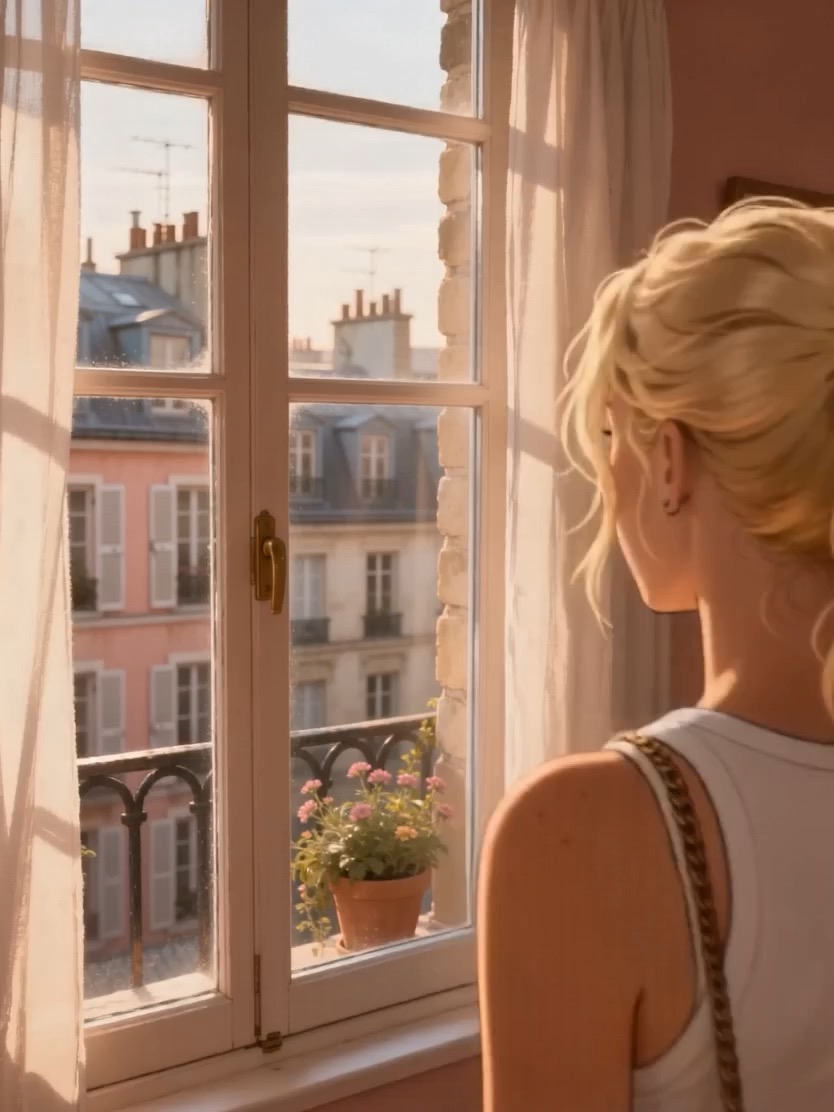
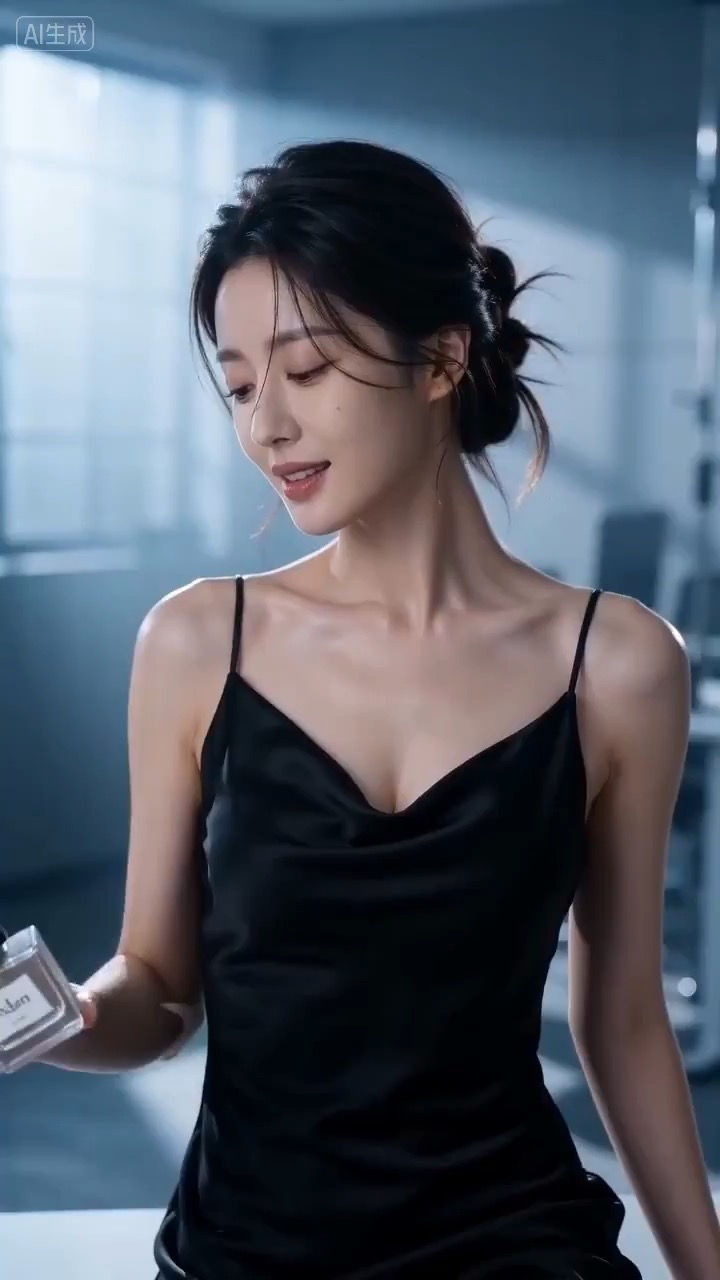
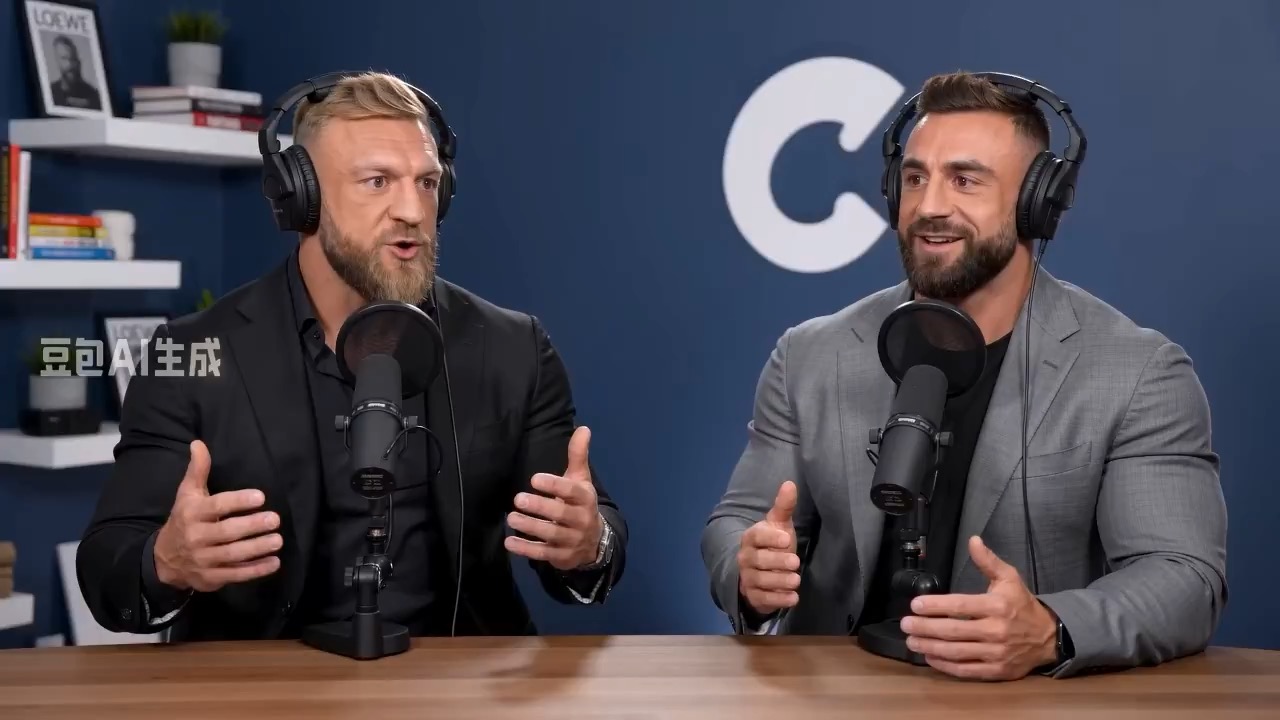
टॉकिंग अवतार स्क्रिप्ट बोर्ड वीडियो प्रीव्यू, जिसमें गति लय, विषय निरंतरता, कैमरा दिशा और अंतिम हीरो फ़्रेम दिखते हैं।
टॉकिंग अवतार स्क्रिप्ट बोर्ड वीडियो संक्षिप्त विवरण: सेटअप / मुख्य गति / कैमरा पथ / निरंतरता / हीरो अंत / समीक्षा जांच
Clear speaker presence, controlled camera rhythm, motion continuity और editable text या logo areas वाले high-energy keynote stage cut के लिए reusable video brief बनाएं.
प्रीव्यू
वीडियो प्रॉम्प्ट
Scene setup, camera path, motion continuity, editable details और final hero frame पर केंद्रित high-energy keynote stage video brief preview.
Editable beats, camera path, motion continuity, hero ending और clean production constraints वाला high-energy keynote stage video brief.
High-energy keynote stage cut पर केंद्रित 8-10 सेकंड का video brief generate करें. इसे तीन concrete beats में बनाएं: speaker, stage environment और visual promise establish करके open करें; clear camera path के साथ main gesture, screen reveal या audience-energy moment में move करें; और stable hero frame पर end करें, जो landing page preview, product showcase या social cutdown के लिए काम कर सके. Controlled camera motion, consistent scale, readable lighting और ऐसे visual rules से stylized stage energy को grounded रखें जो random symbols को concept पर हावी होने से रोकें. Pacing, lens feel, camera distance, lighting, motion blur और continuity rules specify करें ताकि output readable रहे. Subjects, props, locations, text और logo areas editable रखें. Real brand names, celebrity references, fixed IP, non-editable readable signage, unsafe action, sudden teleport cuts, inconsistent scale, warped anatomy और unrelated extra scenes से बचें.
उपयोग नोट्स
चलाने से पहले subject, setting, props, camera move, motion beat, duration, delivery channel और editable text या logo area बदलें.
प्रॉम्प्ट के अक्सर पूछे जाने वाले सवाल
Subject, setting, props, camera move, motion beat, duration, delivery channel और editable text या logo area बदलें.
Motion readability, subject continuity, camera stability, usable final frame, और generated text, logo area या signage cleanup की जरूरत जांचें.
हां. Beat structure और constraints बनाए रखें, फिर Rivya में चुने गए model के अनुसार detail density, aspect ratio और duration adjust करें.
इस मोड के और प्रॉम्प्ट