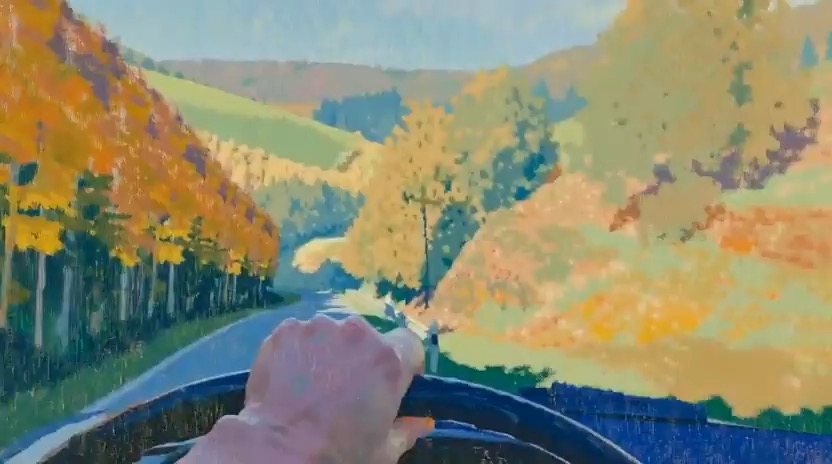
गति लय, विषय निरंतरता, कैमरा दिशा और अंतिम मुख्य फ्रेम दिखाता वनाच्छादित पहाड़ियों में तेलचित्र ड्राइव वीडियो प्रीव्यू।
वनाच्छादित पहाड़ियों में तेलचित्र ड्राइव वीडियो संक्षेप: सेटअप / मुख्य गति / कैमरा पथ / निरंतरता / मुख्य समापन / समीक्षा जांच
cinematic forest action shot बनाएं, जहां landscape worker clearing में दौड़ता है, waiting rocket में चढ़ता है और ऊपर launch होता है.
प्रीव्यू
वीडियो प्रॉम्प्ट
path motion, rocket scale, boarding continuity और vertical liftoff पर केंद्रित preview clip.
runner, clearing reveal, compact rocket boarding और clean vertical launch वाला forest action video prompt.
dense green forest में 8-10 सेकंड का cinematic action video बनाएं। शुरुआत original landscape worker के पीछे handheld follow shot से करें, जो narrow dirt path पर दौड़ रहा है, small tool bag carry कर रहा है, जबकि branches और sunlight तेजी से पास से गुजरें। path एक bright clearing में खुलता है, जहां compact silver rocket simple launch pad पर wait कर रहा है। worker hatch तक पहुंचता है, एक readable motion में अंदर climb करता है, hatch seal होता है, और rocket controlled exhaust और dust के साथ treetops से ऊपर lift off करता है। story clear रखें: one runner, one forest path, one clearing reveal, one boarding beat, और one clean vertical launch। natural daylight, grounded camera shake, realistic scale और cinematic dust trails उपयोग करें। panic, weapons, people के पास explosions, injuries, military styling, brand logos, unreadable signage, chaotic cuts, distorted running anatomy, impossible rocket scale या launch smoke जो main action छिपा दे, उनसे बचें।

उपयोग नोट्स
चलाने से पहले forest type, runner wardrobe, rocket design, camera distance, launch atmosphere और final sky frame replace करें।
प्रॉम्प्ट के अक्सर पूछे जाने वाले सवाल
forest setting, runner identity, tool या prop, rocket shape, launch-pad design, camera distance और final lift-off angle replace करें।
check करें कि runner anatomically stable रहे, clearing reveal readable हो, boarding action naturally connect करे, और rocket scale believable रहे।
हां। five-beat structure बनाए रखें, फिर Rivya में selected model के अनुसार motion speed, shot length, smoke density और camera stability tune करें।
इस मोड के और प्रॉम्प्ट