8-10s
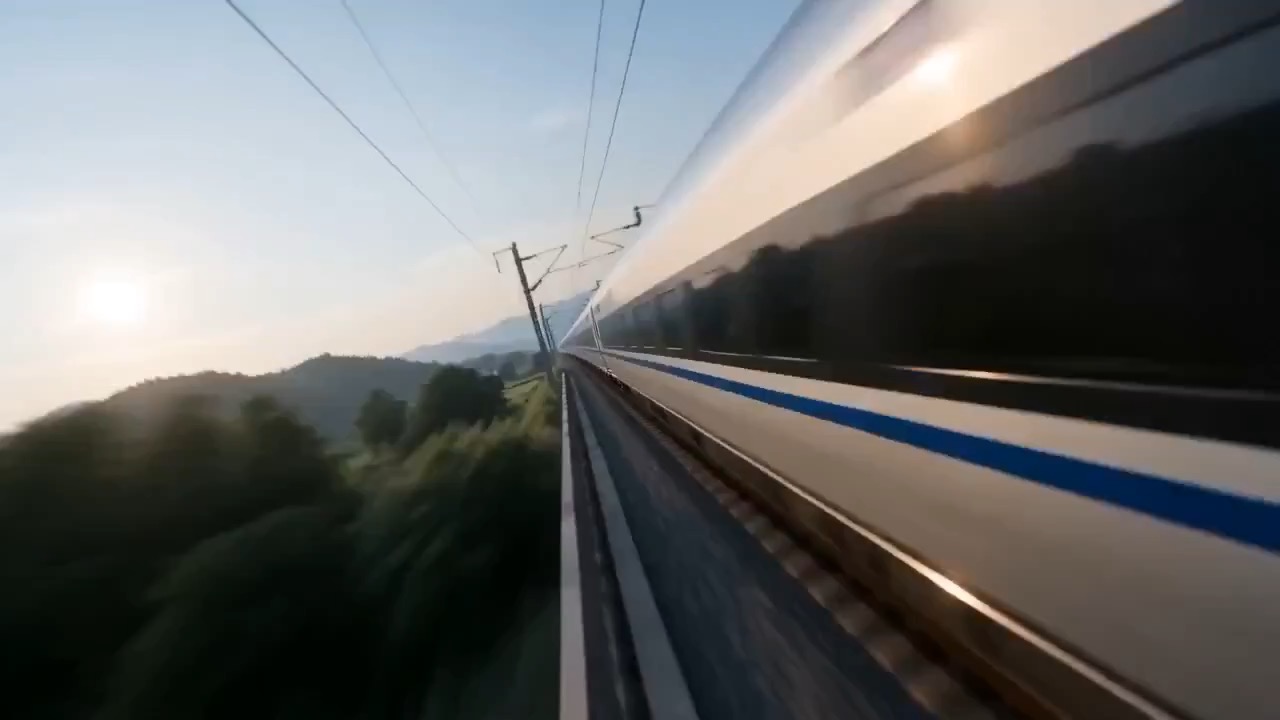
स्टीमपंक शेफ भोज फिल्म वीडियो प्रीव्यू, जिसमें गति की लय, विषय की निरंतरता, कैमरा दिशा और अंतिम हीरो फ्रेम दिखता है.
स्टीमपंक शेफ भोज फिल्म वीडियो ब्रीफ: सेटअप / मुख्य गति / कैमरा पथ / निरंतरता / हीरो एंडिंग / समीक्षा जांच
fast crew choreography, close mechanical detail और official race claims के बिना clean documentary finish वाला cinematic motorsport pit-stop prompt.
प्रीव्यू
वीडियो प्रॉम्प्ट
fictional open-wheel car रुकती है, crew clear rhythm में tires swap करता है, और shot car के pit lane से launch होने पर खत्म होता है।
coordinated crew motion, tire-change close-ups, generic liveries और clean car launch finish वाला Formula-style pit-stop documentary shot.
fictional open-wheel race car का उपयोग करते हुए 8-10 सेकंड का documentary-style motorsport pit-stop shot generate करें। शुरुआत car के busy लेकिन controlled pit lane में अपने marks पर रुकने से करें, tire-gun और wheel-change details के close shots पर cut करें, crew members को coordinated timing में move करते दिखाएं, फिर car launch होकर दूर जाती है और camera clean trackside frame hold करता है। crisp shutter feel, controlled handheld energy, shallow mechanical close-ups, readable crew spacing और realistic pit-lane lighting उपयोग करें। सभी liveries, team names, numbers, sponsor panels और timing graphics editable या generic रखें। real Formula 1 branding, official team names, record claims, celebrity drivers, unsafe crew positions, chaotic collisions, unreadable sponsor text, warped hands, impossible wheel geometry और pit-stop action छिपाने वाले speed blur से बचें।
उपयोग नोट्स
car design, pit-lane setting, crew count, wheel-change focus, camera angle, sponsor placeholders, timing overlay और final launch direction बदलें।
प्रॉम्प्ट के अक्सर पूछे जाने वाले सवाल
car design, pit-lane setting, crew count, wheel-change focus, camera angle, sponsor placeholders, timing overlay और final launch direction बदलें।
check करें कि crew positions safe हों, tire change readable रहे, car geometry realistic रहे, sponsor areas generic रहें, और कोई official race या record claim न दिखे।
हां। beat structure और constraints बनाए रखें, फिर Rivya में चुने गए model के अनुसार detail density, aspect ratio और duration adjust करें।
इस मोड के और प्रॉम्प्ट