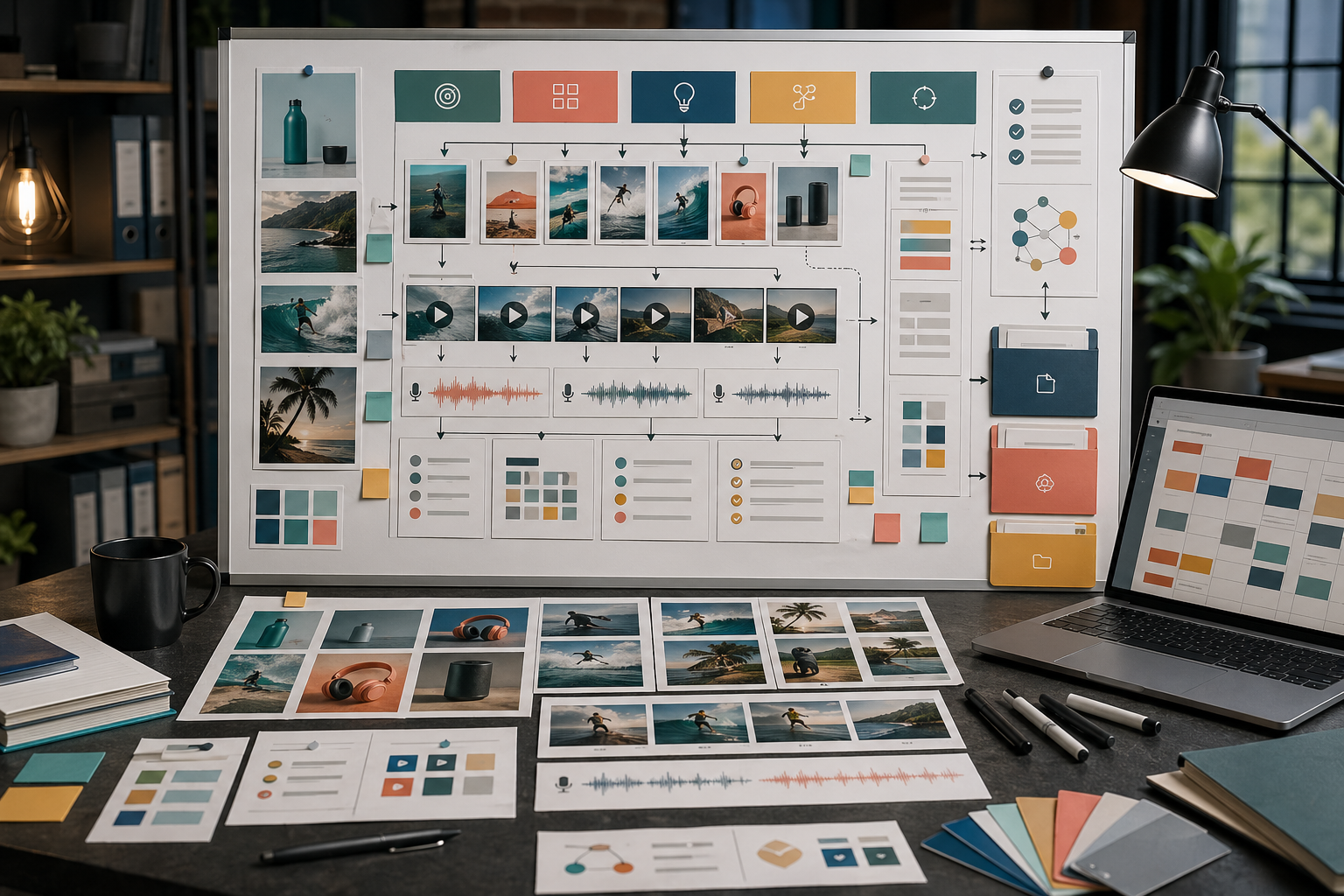
Rivya API کے ساتھ multimodal workflow بنائیں
models، files، generation jobs، chat turns، webhooks، credits، اور product review handoff کے across Rivya API workflow plan کریں۔
Byline
Rivya AI کی workflow guides، task-page writing، اور bilingual editorial notes، جو public entry pages، Studio handoffs، اور content boundaries کا احاطہ کرتی ہیں۔
Recent reads
اس byline کے تحت collect کی گئی latest published guides اور product notes browse کریں۔

models، files، generation jobs، chat turns، webhooks، credits، اور product review handoff کے across Rivya API workflow plan کریں۔

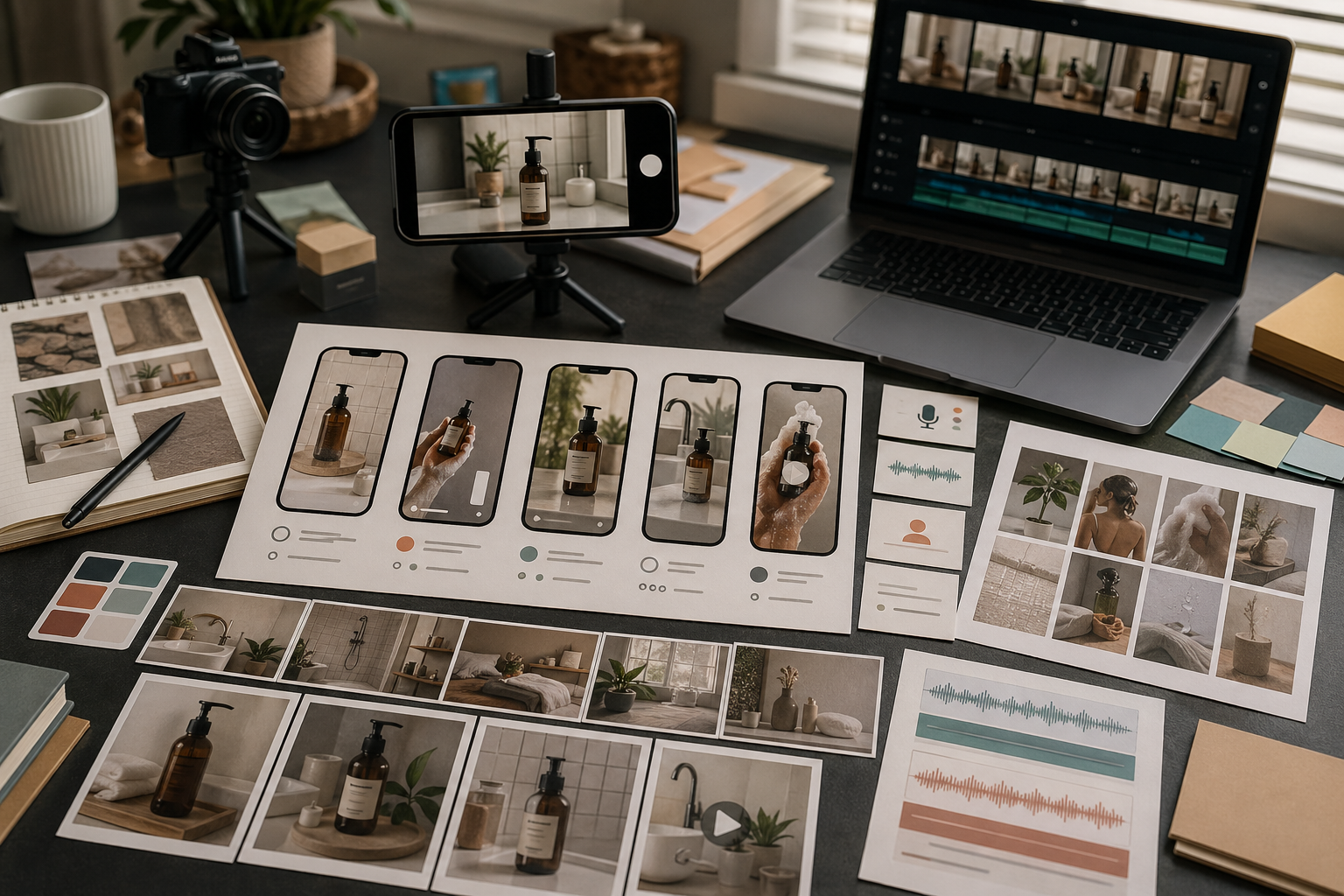
ایک offer کو Rivya ad creatives میں بدلیں: product stills، short videos، voice-over، variants، review، اور handoff تک۔

References، prompt constraints، reusable style notes، اور practical review checklists کے ساتھ Rivya brand visuals کو consistent رکھیں۔

AI images، videos، audio، یا campaign assets publish کرنے سے پہلے یہ Rivya checklist استعمال کریں: fit، quality، rights، channels، اور reuse check کریں۔

ایک product idea، workflow، یا feature سے واضح motion، narration، اور review criteria کے ساتھ Rivya explainer videos بنائیں۔

Product facts، background choices، reference roles، lighting notes، اور delivery checks کے ساتھ Rivya product-photo prompts لکھیں۔

Message، visual context، language، cultural fit، review، اور delivery کو الگ کر کے images، video، اور voice کے لیے Rivya AI localization plan کریں۔

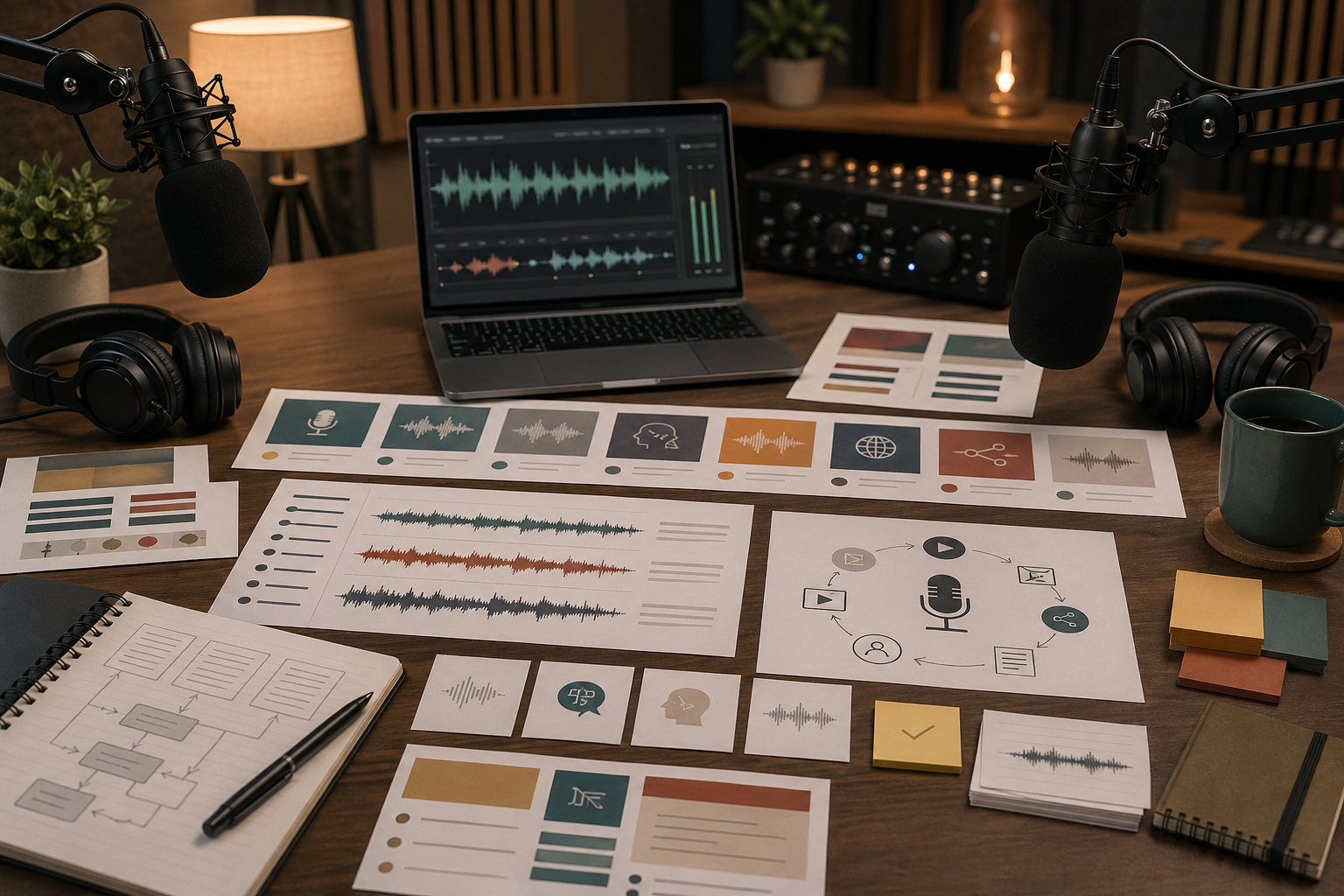
Generation سے پہلے script، voice، language، cleanup، اور repurposing needs کو الگ کر کے Rivya podcast، narration، اور spoken workflows plan کریں۔

Product images، demo videos، landing-page visuals، social variants، voice-over، localization، اور reuse کے across Rivya launch assets plan کریں۔

یہ decide کر کے کہ references identity، layout، lighting، style، یا continuity کو control کریں، brittle prompts کے بغیر Rivya reference images استعمال کریں۔

Images، short videos، voice، localization، campaign variants، review، scheduling، اور reuse کے across Rivya social media content plan کریں۔

Believable scenes، product moments، voice direction، review checks، اور variant generation کے ساتھ Rivya UGC-style videos plan کریں۔

Product، scene، motion beats، camera behavior، audio needs، اور review criteria define کر کے بہتر Rivya product demo video prompts لکھیں۔

offer، asset set، prompt system، variants، review criteria، reuse path، اور publishing checks define کر کے Rivya AI creative campaigns plan کریں۔

Existing recordings صاف کرنے، noise کم کرنے، اور یہ فیصلہ کرنے کے لیے Rivya Audio Isolation استعمال کریں کہ cleanup نیا audio generate کرنے سے بہتر کب ہے۔

Multilingual replacement، one-speaker voiceover، اور multi-speaker dialogue scenes کو الگ کر کے AI dubbing کے لیے Rivya استعمال کریں۔

Product-led paid social، campaign systems، text-heavy offers، اور mood-led ad concepts کے لیے Rivya ad-creative paths چنیں۔

Conversion heroes، page systems، premium launch moments، یا mood-led brand surfaces کے لیے Rivya landing-page visuals چنیں۔

Structure، brand accuracy، style، continuity، اور delivery pressure کے لیے right model چن کر Rivya میں reference images استعمال کریں۔

AI narration کے لیے Rivya استعمال کریں: فیصلہ کریں کہ اصل task one voice، multilingual delivery، یا dialogue-like scene ہے۔

Explainers، launch demos، proof-of-motion tests، اور audio-led deliverables کے across AI product demo videos plan کرنے کے لیے Rivya استعمال کریں۔

Listing clarity، variant consistency، secondary assets، اور ecommerce handoff کے لیے models چن کر Amazon product imagery میں Rivya استعمال کریں۔

Clean studio stills، reference-led shoots، premium hero shots، اور editorial brand scenes کے لیے Rivya product photography paths چنیں۔

Campaign defaults، premium launch films، reference-led variants، اور structured promo clips کے لیے Rivya marketing-video paths چنیں۔

Native-audio video، dialogue polish، audio-aware iteration، اور structured clips کے درمیان انتخاب کر کے audio کے ساتھ AI video کے لیے Rivya استعمال کریں۔

One-speaker narration، multilingual delivery، اور spoken-scene dialogue کے درمیان انتخاب کر کے video voice-over کے لیے Rivya استعمال کریں۔

formulas، percentages، conversions، اور scenario math کے لیے Rivya AI Calculator استعمال کریں، اور سمجھیں کہ Rivya میں free to start کا کیا مطلب ہے۔

step-by-step equations اور worked explanations کے لیے Rivya AI Solver استعمال کریں، اور سمجھیں کہ Rivya میں free to start کا کیا مطلب ہے۔

speech، multilingual delivery، dialogue، sound effects، cleanup، یا music کے لیے صحیح path choose کر کے Rivya میں AI voice اور sound create کریں۔

songs، sound sketches، lyrics-first ideation، sign-in timing، اور saved results کے درمیان choose کر کے Rivya میں پہلا AI music draft create کریں۔

صحیح entry point choose کر کے، context کے ساتھ models select کر کے، references استعمال کر کے، اور history سے continue کر کے Rivya میں AI images generate کریں۔

صحیح entry point، text یا reference inputs، real controls، اور saved-state continuation choose کر کے Rivya میں AI video generate کریں۔