AI تصویر
مصنوعات کی تصاویر، اشتہارات اور بصری تصورات بنائیں
مصنوعات کی تصاویر، ای کامرس ویژولز، برانڈ اثاثوں، تدوین اور حوالہ جاتی کام کے لیے 39 تصویری ماڈلز کے صفحات دیکھیں۔ تخلیق سے پہلے دستیابی، اِن پٹس اور کریڈٹ نوٹس چیک کریں۔
Rivya Studio · 6 مفت کریڈٹس
تصویر، ویڈیو، آڈیو اور چیٹ کے ماڈلز کی موجودہ دستیابی، کام سے مطابقت، اِن پٹس اور دستیاب کریڈٹ رہنمائی کے لحاظ سے موازنہ کریں۔ موزوں ماڈل سے تخلیق کریں، پھر اگلا کام Rivya Studio میں منظم رکھیں۔
Rivya کی حقیقی مثالیں
اسی کام سے شروع کریں جس کی آپ کو واقعی ضرورت ہے
Rivya آغاز کے چار واضح راستے دیتی ہے۔ مطلوبہ نتیجہ منتخب کریں، مثالیں دیکھیں اور موزوں کام کے صفحے یا اسٹوڈیو میں سیدھا جائیں۔
AI تصویر
مصنوعات کی تصاویر، ای کامرس ویژولز، برانڈ اثاثوں، تدوین اور حوالہ جاتی کام کے لیے 39 تصویری ماڈلز کے صفحات دیکھیں۔ تخلیق سے پہلے دستیابی، اِن پٹس اور کریڈٹ نوٹس چیک کریں۔
AI ویڈیو
مصنوعات کے مظاہروں، اشتہاری کلپس، متن سے ویڈیو، تصویر سے ویڈیو اور حرکت کی ترتیبات کے لیے 52 ویڈیو ماڈلز کے صفحات دیکھیں۔ چلانے سے پہلے موجودہ دستیابی اور کریڈٹ نوٹس کا موازنہ کریں۔

ہم چھوٹی ecommerce teams کے لیے ایک AI assistant بنانا چاہتے ہیں جو product photos کو campaign assets میں بدل دے۔
Problem hypothesis: چھوٹی ecommerce teams raw product photos کو channel-ready campaign assets میں بدلنے میں وقت ضائع کرتی ہیں۔ Riskiest assumptions: photo quality کافی اچھی ہے، teams AI asset variation پر اعتماد کرتی ہیں، اور اصل bottleneck review time ہے۔ Research questions: campaign asset creation کا owner کون ہے، revisions کہاں رکتی ہیں، اور کون سا quality bar publishing کو روکتا ہے۔ Validation plan: 5 operators کے interviews کریں، 3 prompt-led asset flows test کریں، اور time-to-first-approved asset compare کریں۔ Decision gate: صرف اس صورت میں آگے بڑھیں جب teams اپنے current workflow سے تیز publishable draft تک پہنچ سکیں۔
AI چیٹ
تحقیق، تحریر، کوڈنگ، تجزیے اور منصوبہ بندی کے لیے 36 چیٹ ماڈلز کے صفحات دیکھیں۔ طویل گفتگو شروع کرنے سے پہلے موجودہ دستیابی اور ماڈل کی مطابقت چیک کریں۔
پرامپٹ لائبریری
Rivya تصویر، ویڈیو، آڈیو اور چیٹ کے لیے دوبارہ قابلِ استعمال پرامپٹ سانچے سامنے لاتا ہے، تاکہ ٹیمیں حوالے سے عملی اجرا تک تیزی سے پہنچ سکیں۔
تصویری پرامپٹ
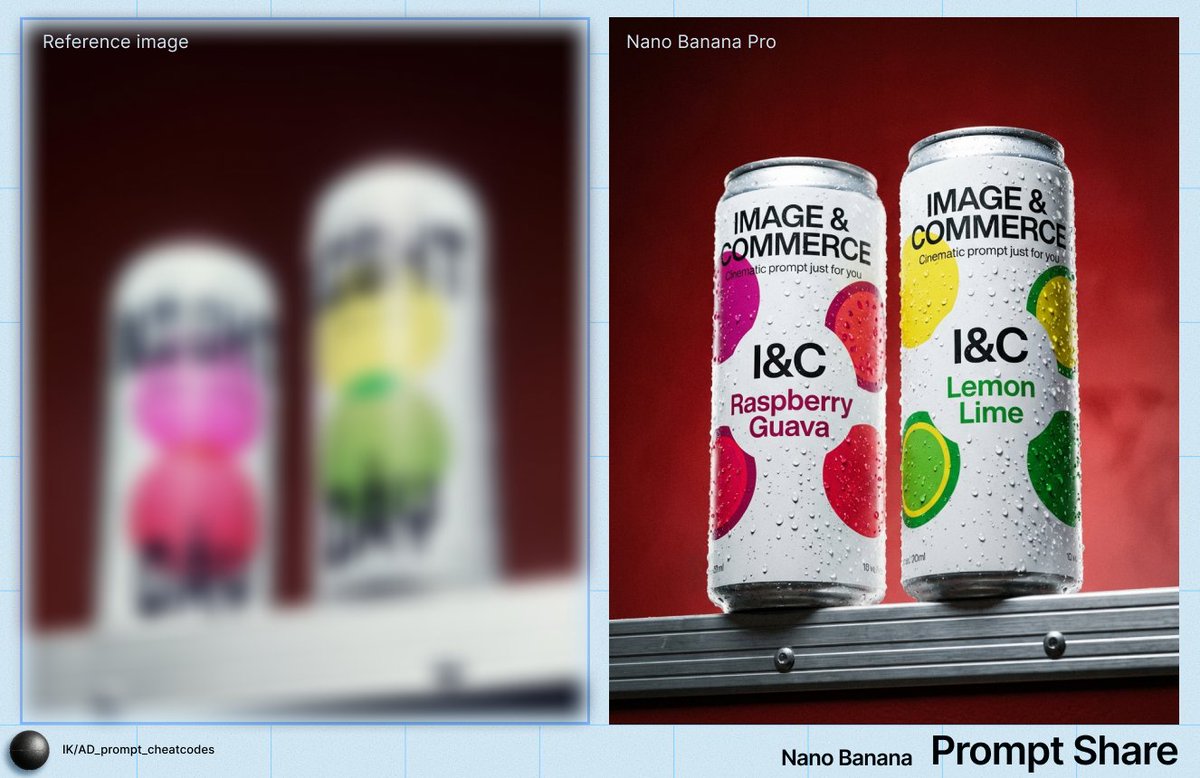
condensation، glass texture، controlled highlights، prop scale، editable label space، اور campaign-ready crop کے ساتھ chilled drink کے لیے polished product-editorial macro shot ڈیزائن کریں۔

ویڈیو پرامپٹ
editable product beats، camera path، motion continuity، اور review checks کے ساتھ cinematic perfume launch reveal کے لیے reusable video prompt بنائیں۔
آڈیو پرامپٹ
podcasts، narration، explainer clips، noisy recordings، اور قدرتی سنائی دینے والی speech repair کے لیے voice cleanup prompt تیار کریں۔
ہم چھوٹی ecommerce teams کے لیے ایک AI assistant بنانا چاہتے ہیں جو product photos کو campaign assets میں بدل دے۔
Chat strategy workflow کے لیے structured research brief preview۔
چیٹ پرامپٹ
ایک خام product idea کو strategy sprint prompt میں بدلیں جو goals، assumptions، risks، research questions، metrics، اور next actions تیار کرے۔
استعمال اور پالیسی کے نوٹس
عام سوالات میں مختصر جواب ملتا ہے۔ یہ دستاویزات وضاحت کرتی ہیں کہ Rivya میں کس چیز کی ملکیت کس کے پاس ہے، تجارتی کام مصنوعے میں کیسے شامل ہوتا ہے اور فراہم کنندگان طریقۂ کار کا حصہ کہاں بنتے ہیں۔
دستاویز پڑھیں
دیکھیں Rivya پرامپٹس، اپ لوڈز، نتائج اور تجارتی کام کو کیسے سنبھالتا ہے، اور شائع کرنے سے پہلے کون سی جانچ اب بھی ضروری ہے۔
دستاویز پڑھیں
پرامپٹس، اپ لوڈز، نتائج اور تاریخ Rivya سے کیسے گزرتے ہیں، اور طریقۂ کار میں تیسرے فریق کے فراہم کنندگان کہاں شامل ہوتے ہیں۔
لوگ اکثر یہ سوالات پوچھتے ہیں
Rivya تصویر، ویڈیو، آڈیو اور چیٹ کے استعمال کے لیے کریڈٹس استعمال کرتا ہے۔ باقاعدگی سے ملنے والے کریڈٹس کے لیے سبسکرائب کریں یا ایک بار کا کریڈٹ پیک خریدیں، پھر ہر ٹول کے لیے الگ سبسکرپشن سنبھالنے کے بجائے ایک مشترک والیٹ میں استعمال دیکھیں۔
آپ اور Rivya کے باہمی تعلق میں، آپ کے اکاؤنٹ سے تیار کیے گئے نتائج قانون کی اجازت کی حد تک آپ کے ہیں۔ تجارتی استعمال ممکن ہو سکتا ہے، مگر شائع یا فراہم کرنے سے پہلے اپنے اِن پٹس کے حقوق، متعلقہ ماڈل اور فراہم کنندہ کی شرائط، خود نتیجے اور قابلِ اطلاق قانون کا جائزہ لیں۔
Rivya آپ کا اکاؤنٹ چلانے کے لیے درکار پرامپٹس، اپ لوڈز، نتائج، تاریخ اور متعلقہ ریکارڈ محفوظ کرتا ہے۔ نتیجہ سازی اور چیٹ کی درخواستیں طریقۂ کار کے لیے ضروری تیسرے فریق کے فراہم کنندگان کو بھیجی جاتی ہیں۔ Rivya ہر فراہم کنندہ کے بارے میں یہ عمومی وعدہ نہیں کرتا کہ وہ ڈیٹا تربیت کے لیے استعمال یا محفوظ نہیں کرے گا؛ جہاں یہ ضمانت اہم ہو وہاں متعلقہ فراہم کنندہ کی شرائط دیکھیں اور انتہائی حساس معلومات جمع نہ کریں۔
اپنے مطلوبہ کام، اِن پٹ کی قسم اور تکمیل کی سطح سے آغاز کریں۔ Rivya کے ماڈل صفحات موجودہ دستیابی، معاون اِن پٹس، کریڈٹ رہنمائی، موزوں ترین کام اور جہاں دستیاب ہوں شواہد دکھاتے ہیں۔ مزید کوششوں پر اضافی کریڈٹس خرچ کرنے سے پہلے ان اشاروں کا موازنہ کریں۔
عام طور پر ہاں۔ آپ بلنگ کی ترتیبات اور Stripe کے دستیاب بلنگ ٹولز سے اپنی رکنیت سنبھال سکتے ہیں۔ منصوبہ بڑھانے، گھٹانے یا منسوخ کرنے کا عین وقت اور اثر آپ کی موجودہ بلنگ حالت اور Stripe کی کارروائی پر منحصر ہے۔
ایک نتیجے سے مسلسل کام تک
قیمتوں کا خلاصہ
4 بامعاوضہ پلان، ایک مشترک کریڈٹ والٹ اور ہر ٹول کی الگ بلنگ نہیں۔ مفت شروع کریں، پھر ضرورت پڑنے پر مستقل ماہانہ مقدار منتخب کریں۔
پلان کا خلاصہ
6 مفت کریڈٹس سے آغاز کریں اور دیکھیں Rivya آپ کے ورک فلو کے لیے موزوں ہے یا نہیں۔
آغاز کے لیے مفت کریڈٹس
پلان کا خلاصہ
ایسے تخلیق کاروں کے لیے جو آزمائشی استعمال سے آگے بڑھ کر ہر ماہ مستقل بنیاد چاہتے ہیں۔
300 کریڈٹس فی ماہ
سب سے مقبول
ٹیموں، آپریٹرز اور زیادہ استعمال کرنے والے افراد کے لیے جو ہر روز AI چلاتے ہیں۔
1,800 کریڈٹس فی ماہ
مشترک والٹ کا طریقہ
یہ خلاصہ بنیادی انتخاب دکھاتا ہے۔ پلان کی مکمل تفصیل، کریڈٹ کے قواعد اور ہر اختیار کی مناسبت جاننے کے لیے قیمتوں کا صفحہ کھولیں۔
AI آڈیو
متن سے آواز، مکالمے، موسیقی، گیتوں، آواز بنانے اور عارضی طور پر روکے گئے آڈیو صفائی کے ماڈلز کی معلومات کے لیے 10 آڈیو ماڈلز کے صفحات دیکھیں۔ کریڈٹس خرچ کرنے سے پہلے موجودہ دستیابی واضح ہوتی ہے۔