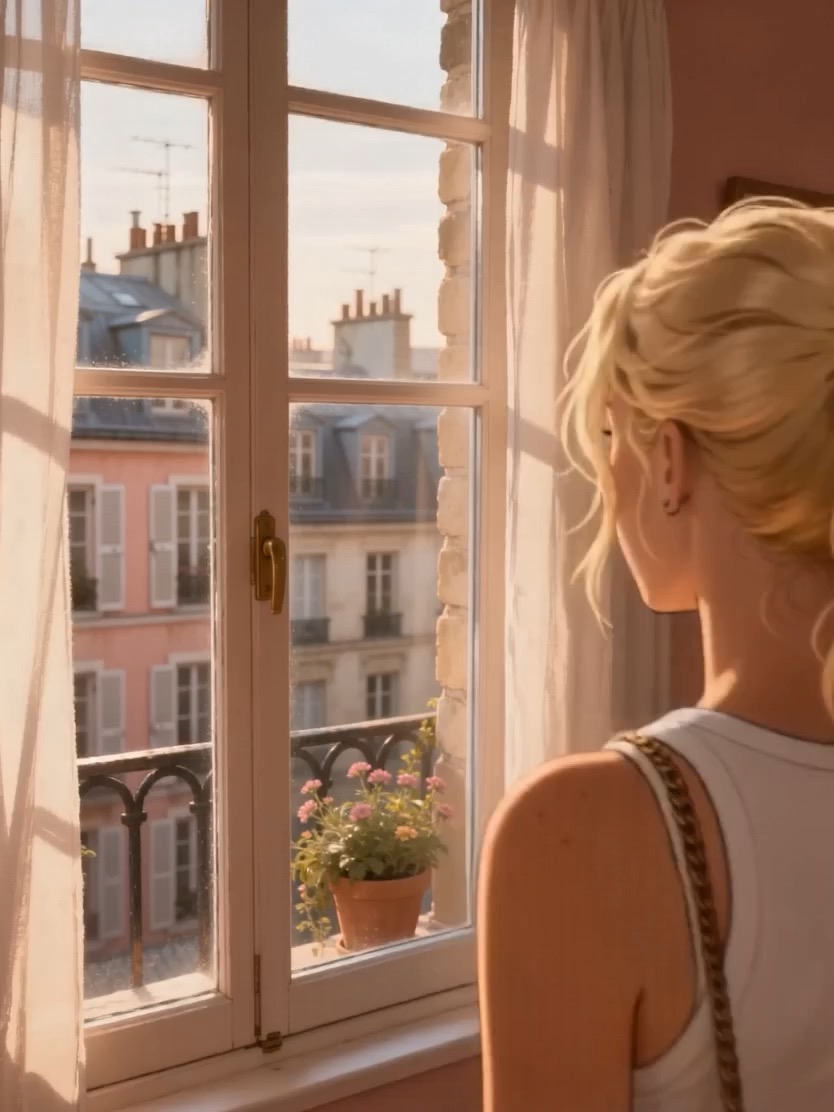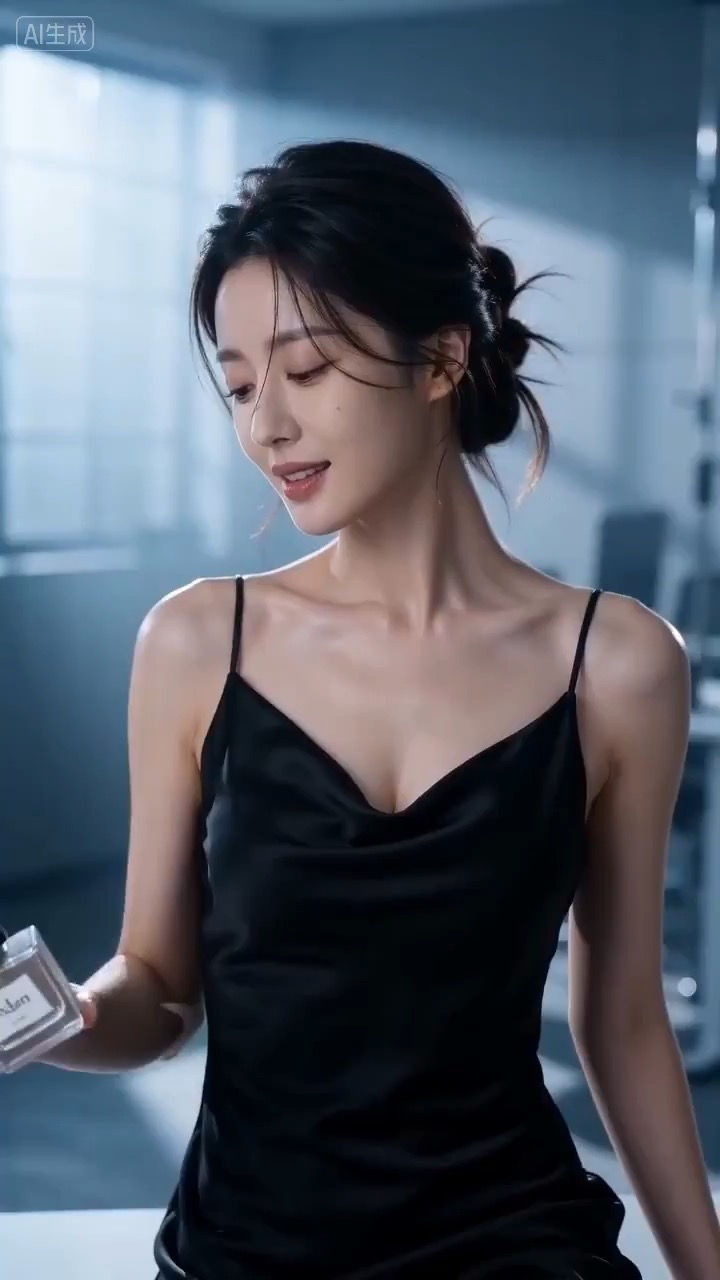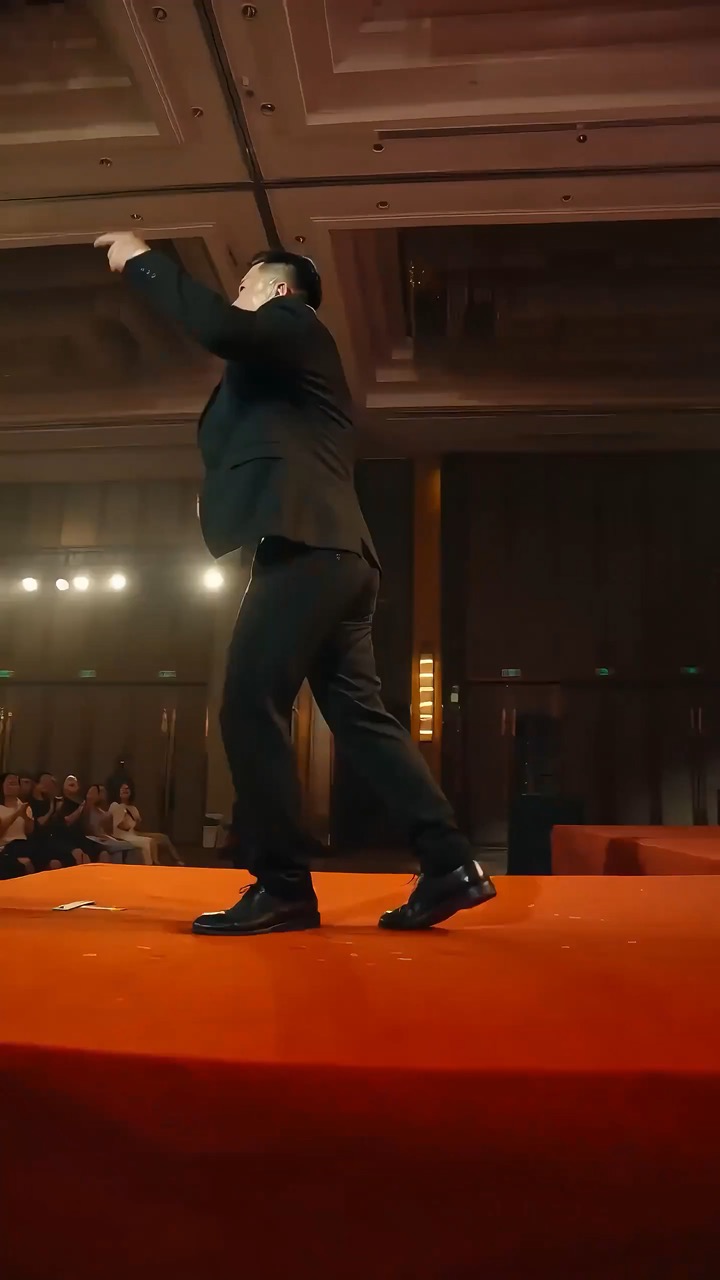
12-15s
motion rhythm, subject continuity, camera direction এবং final hero frame দেখানো high-energy keynote stage video preview।
ভিডিও ব্রিফ: speaker setup / main stage motion / camera path / continuity / hero ending / quality checks
Editable scene beats, camera path, motion continuity এবং review checks-সহ Talking Avatar Script Board-এর জন্য reusable video prompt তৈরি করুন।
প্রিভিউ
ভিডিও প্রম্পট
Talking Avatar Script Board-এর preview, scene setup, camera path, motion continuity, editable details এবং final hero frame-কেন্দ্রিক।
Editable beats, camera path, motion continuity, hero ending এবং brand-safe constraints-সহ Talking Avatar Script Board video prompt।
Talking Avatar Script Board-কেন্দ্রিক 8-10 সেকেন্ডের video prompt তৈরি করুন। এটিকে তিনটি concrete beat-সহ reusable video brief হিসেবে গড়ুন: opening-এ subject, setting এবং visual promise প্রতিষ্ঠা করুন; main action, transformation বা reveal-এ clear camera path নিয়ে যান; landing page preview, product showcase বা social cutdown-এ কাজ করতে পারে এমন stable hero frame-এ শেষ করুন। Sequence-টি adult speaker বা presenter, natural facial motion, clean lip-sync বা reaction timing, stable framing এবং safe audience-appropriate delivery-এর ওপর anchor করুন। Output readable রাখার জন্য pacing, lens feel, camera distance, lighting, motion blur এবং continuity rules নির্দিষ্ট করুন। সব subjects, props, locations, text এবং logos editable রাখুন। Real brand names, celebrity references, fixed IP, বদলানো যাবে না এমন readable signage, unsafe action, sudden teleport cuts, inconsistent scale, warped anatomy এবং unrelated extra scenes এড়িয়ে চলুন।
ব্যবহারের নোট
চালানোর আগে subject, setting, props, camera move, motion beat, duration, delivery channel এবং editable text বা logo area বদলে দিন।
প্রম্পট FAQ
Subject, setting, props, camera move, motion beat, duration, delivery channel এবং editable text বা logo area বদলে দিন।
Motion readability, subject continuity, camera stability, brand safety, usable final frame এবং generated text বা signage cleanup দরকার কি না পরীক্ষা করুন।
হ্যাঁ। Beat structure ও constraints বজায় রাখুন, তারপর Rivya-তে বেছে নেওয়া model অনুযায়ী detail density, aspect ratio এবং duration সামঞ্জস্য করুন।
এই ধরনের আরও প্রম্পট