Prompt library-তে ফিরে যান
Prompt libraryVideo Prompt

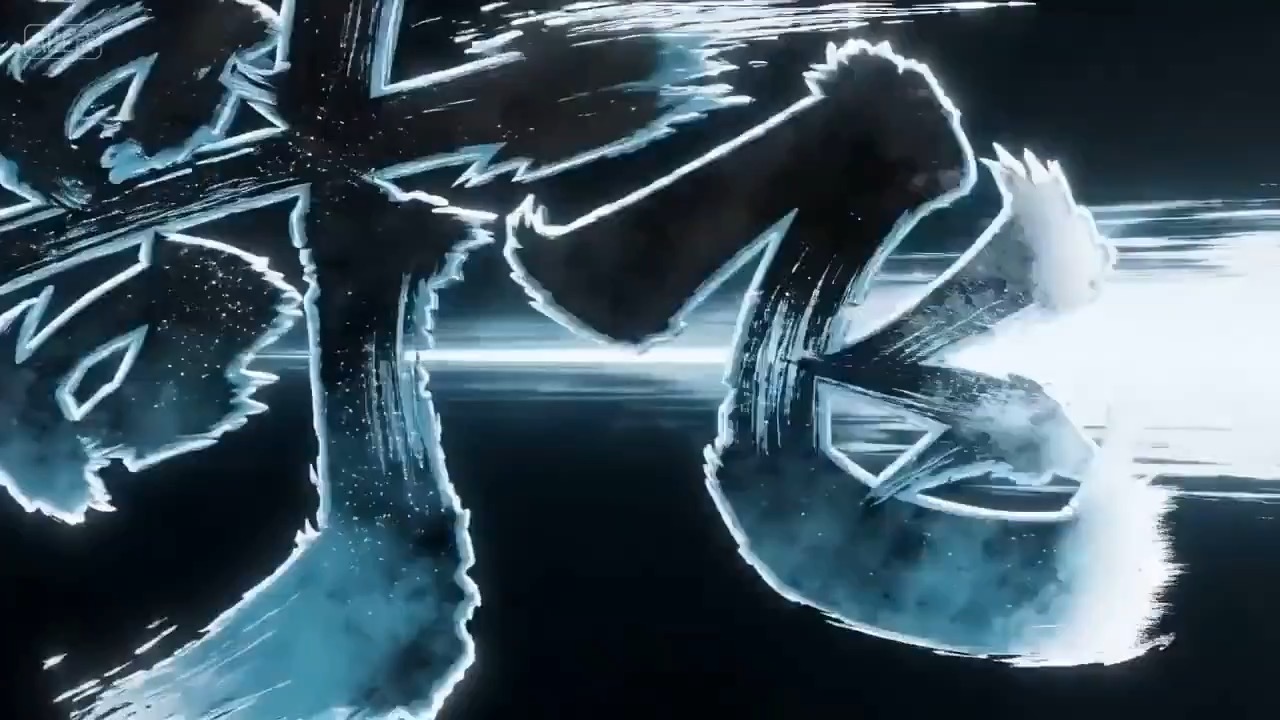
নিয়ন ডুডল স্টর্ম অ্যানিমেশন

editable scene beat, camera path, motion continuity এবং review check সহ neon doodle storm animation-এর জন্য reusable video prompt তৈরি করুন।

ডুডলনিয়নঅ্যানিমেশন
Preview

Video Prompt

Recommended model

Grok Imagine Video

Output format

ভিডিও প্রম্পট টেমপ্লেট

Preview

Video Prompt

8-10s
8-10s

motion rhythm, subject continuity, camera direction এবং final hero frame দেখানো neon doodle storm animation preview।

scene setup, camera path, motion continuity, editable detail এবং final hero frame-কেন্দ্রিক neon doodle storm animation preview।

সম্পূর্ণ প্রম্পট

নিয়ন ডুডল স্টর্ম অ্যানিমেশন

editable beat, camera path, motion continuity, hero ending এবং brand-safe constraint সহ neon doodle storm animation prompt।

Recommended model: Grok Imagine VideoOutput format: ভিডিও প্রম্পট টেমপ্লেট
সম্পূর্ণ প্রম্পট
Video Prompt
neon doodle storm animation-কেন্দ্রিক ৮-১০ সেকেন্ডের video prompt তৈরি করুন। এটিকে reusable video brief হিসেবে গড়ুন, যেখানে তিনটি concrete beat থাকবে: subject, setting এবং visual promise establish করে open করুন; clear camera path সহ main action, transformation বা reveal-এ যান; landing page preview, product showcase বা social cutdown-এর জন্য কাজ করতে পারে এমন stable hero frame-এ শেষ করুন। surreal বা stylized idea-কে concrete beat, controlled camera motion, consistent scale এবং visual rule দিয়ে grounded রাখুন, যাতে random symbol concept-কে দখল না করে। pacing, lens feel, camera distance, lighting, motion blur এবং continuity rule নির্দিষ্ট করুন, যাতে output readable থাকে। সব subject, prop, location, text এবং logo editable রাখুন। real brand name, celebrity reference, fixed IP, বদলানো যায় না এমন readable signage, unsafe action, sudden teleport cut, inconsistent scale, warped anatomy এবং unrelated extra scene এড়িয়ে চলুন।

ব্যবহারের নোট

চালানোর আগে subject, setting, prop, camera move, motion beat, duration, delivery channel এবং editable text বা logo area বদলে নিন।

প্রম্পট FAQ

এই prompt ব্যবহার করার আগে

Input, model fit এবং result দুর্বল না করে template adapt করার উপায় দ্রুত যাচাই করুন।

প্রথমে কী customize করব?

subject, setting, prop, camera move, motion beat, duration, delivery channel এবং editable text বা logo area বদলে নিন।

video output কীভাবে review করব?

motion readability, subject continuity, camera stability, brand safety, usable final frame এবং generated text বা signage cleanup দরকার কি না পরীক্ষা করুন।

এই prompt কি অন্য model-এর জন্য adapt করা যায়?

হ্যাঁ। beat structure ও constraint বজায় রেখে Rivya-তে বেছে নেওয়া model-এর জন্য detail density, aspect ratio এবং duration সামঞ্জস্য করুন।

এই mode-এর আরও prompt

product motion, light direction, camera path এবং final frame দেখানো cinematic perfume launch video preview.
8-10s

product motion, light direction, camera path এবং final frame দেখানো cinematic perfume launch video preview.

সিনেমাটিক perfume launch video brief: setup / product reveal / camera path / continuity / clear final frame / review checks

dark reflective surface, light sweep, close dial detail এবং clean product hero frame সহ luxury watch macro reveal video preview।
8-10s

dark reflective surface, light sweep, close dial detail এবং clean product hero frame সহ luxury watch macro reveal video preview।

ভিডিও ব্রিফ: premium watch / macro detail / controlled light sweep / slow push-in / commerce hero frame

Motion rhythm, subject continuity, camera direction, এবং final hero frame দেখানো UGC Product Demo Video video preview।
8-10s

Motion rhythm, subject continuity, camera direction, এবং final hero frame দেখানো UGC Product Demo Video video preview।

UGC Product Demo Video video brief: setup / main motion / camera path / continuity / hero ending / review checks