8-10s
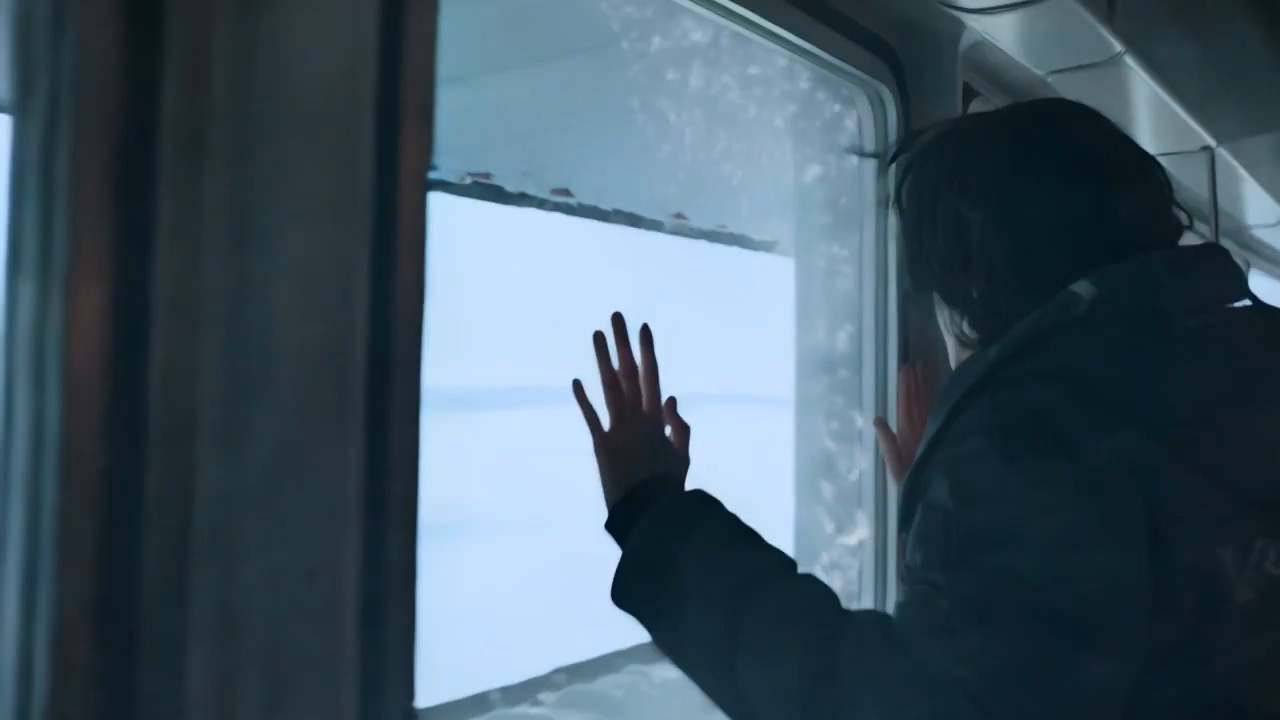
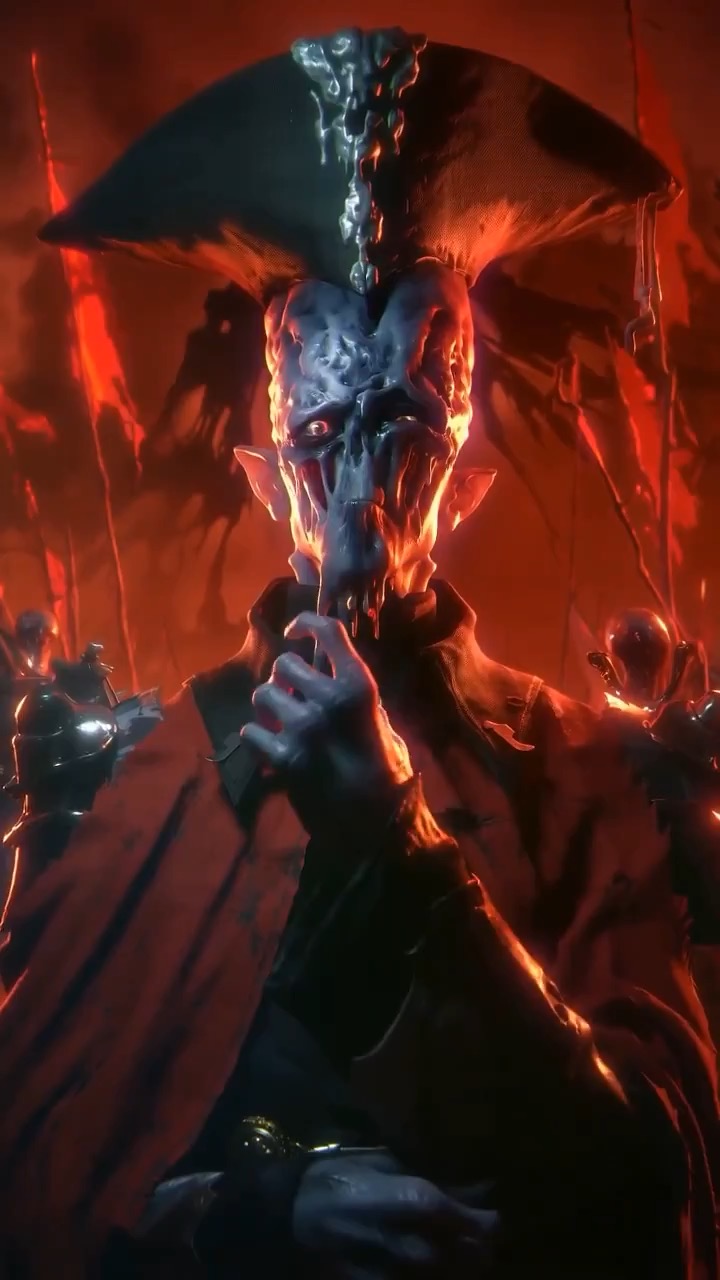
synchronized motion style، camera direction اور output rhythm دکھاتا character and background motion video preview۔
character and background motion ویڈیو بریف: scene setup / motion beats / camera rhythm / continuity / clear ending
SaaS feature کے لیے loopable product-demo storyboard بنائیں، editable UI states، cursor یا tap motion، value reveal، اور review checks کے ساتھ۔
پیش منظر
ویڈیو پرامپٹ
SaaS feature loop storyboard کا preview، app context، UI transition path، readable copy، editable metrics، اور loopable final frame پر مرکوز۔
editable UI states، cursor یا tap motion، value reveal، loopable hero frame، اور brand-safe constraints کے ساتھ SaaS feature loop storyboard۔
short product-demo video کے لیے 8-10 second SaaS feature loop storyboard بنائیں۔ اسے reusable video brief کے طور پر تین concrete beats کے ساتھ بنائیں: anonymized dashboard یا app screen پر open کریں جو user کا starting problem دکھاتا ہو؛ ایک clear cursor، tap، یا keyboard action trigger کریں جو interface کو transform کرے، cards update کرے، automation highlight کرے، یا saved step reveal کرے؛ improved state، editable outcome metric، اور subtle loop point کے ساتھ clean hero frame پر end کریں جو first frame پر واپس آ سکے۔ clip کو compact product video کی طرح shape کریں: context دکھائیں، dense text کے بغیر main value visible بنائیں، اور motion کو satisfying مگر readable رکھیں۔ pacing، camera distance، screen angle، UI transition style، motion blur، text legibility، اور continuity rules specify کریں۔ product names، dashboard copy، metrics، icons، text، اور logo areas editable رکھیں۔ real brand names، customer data، celebrity references، fixed IP، non-editable readable text، misleading claims، sudden teleport cuts، inconsistent UI scale، اور unrelated extra scenes سے بچیں۔
استعمال کے نوٹس
چلانے سے پہلے product، feature، UI copy، metric، cursor یا tap action، transition style، duration، delivery channel، اور editable text یا logo area بدلیں۔
پرامپٹ کے عمومی سوالات
product، feature، UI copy، metric، cursor یا tap action، transition style، duration، delivery channel، اور editable text یا logo area بدلیں۔
motion readability، subject continuity، camera stability، brand safety، usable final frame، اور generated text یا signage کو cleanup کی ضرورت ہے یا نہیں، check کریں۔
ہاں۔ beat structure اور constraints برقرار رکھیں، پھر Rivya میں منتخب model کے لیے detail density، aspect ratio، اور duration adjust کریں۔
اس طرز میں مزید پرامپٹس