8-12s
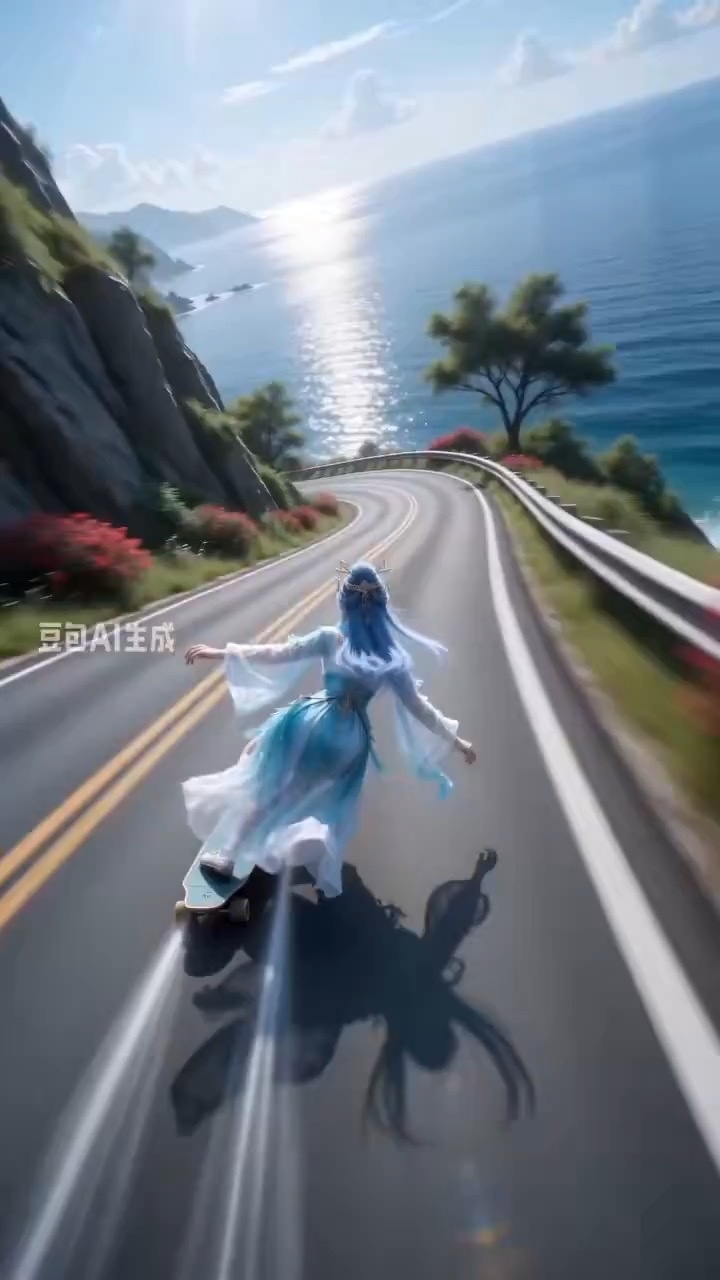
Coastal mountain skateboard rush video preview، ultra-wide camera motion اور high-speed curve tracking کے ساتھ۔
sports ویڈیو بریف: coastal road / ultra-wide follow shot / s-curve speed / motion blur / stabilized ending
Explainer idea کو clear panels، readable motion arrows، اور editable caption space والے cinematic keyframe grid میں بدلنے کے لیے video prompt۔
پیش منظر
ویڈیو پرامپٹ
Cinematic storyboard grid problem، process، اور takeaway panels سے گزرتا ہے، clean arrows اور editable labels کے ساتھ۔
Clean panels، highlighted keyframes، motion arrows، editable labels، اور readable final takeaway کے ساتھ explainer storyboard grid video۔
ایک 8-10 second video generate کریں جو explainer concept کو cinematic storyboard grid کے طور پر پیش کرے۔ صاف 6- یا 9-panel board layout سے شروع کریں، پھر تین key panels کے ذریعے animate کریں: problem setup، process یا mechanism، اور final takeaway۔ Subtle camera pushes، panel-to-panel highlights، simple motion arrows، اور consistent color coding استعمال کریں تاکہ viewer dense text پڑھے بغیر sequence سمجھ سکے۔ تمام labels کو short editable placeholders کے طور پر رکھیں۔ Even panel spacing، stable perspective، readable icons، consistent character یا object scale، اور captions کے لیے clean negative space برقرار رکھیں۔ Real brand logos، tiny unreadable text، random symbols، mismatched panel styles، warped anatomy، chaotic transitions، heavy motion blur، اور storyboard system سے باہر extra scenes سے بچیں۔
استعمال کے نوٹس
Explainer topic، panel count، step labels، icon style، color coding، camera push، arrow direction، اور final takeaway text area بدلیں۔
پرامپٹ کے عمومی سوالات
Explainer topic، panel count، step labels، icon style، color coding، camera push، arrow direction، اور final takeaway text area بدلیں۔
Check کریں کہ panels aligned رہیں، arrows sequence explain کریں، labels editable اور readable رہیں، icons consistent style رکھیں، اور final takeaway clear ہو۔
ہاں۔ Beat structure اور constraints برقرار رکھیں، پھر Rivya میں منتخب model کے لیے detail density، aspect ratio، اور duration adjust کریں۔
اس طرز میں مزید پرامپٹس