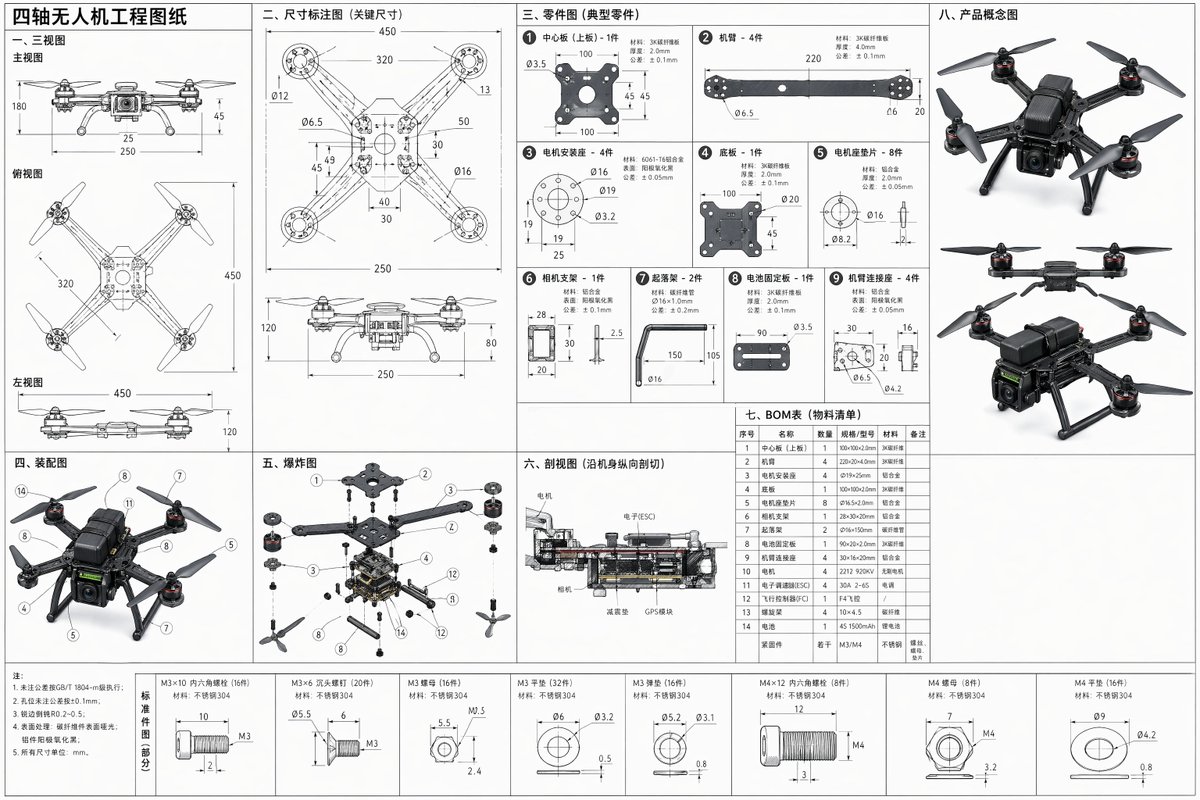
کتابی صفحات، manuals، اور portfolio spreads کے لیے publication-ready layout prompt، جس میں editorial hierarchy، margin grids، captions، اور print-safe spacing شامل ہوں۔
پیش منظر
تصویری پرامپٹ
Book layout preview، editorial hierarchy، margin discipline، caption legibility، editable placeholders، اور print-ready delivery پر مرکوز۔
editable chapter topic، margin grid، visual panel، captions، page numbers، اور print-safe spacing کے ساتھ professional book page layout prompt۔
professional book، manual، یا portfolio spread کے لیے finished editorial page layout design کریں۔ chapter topic، page size، margin system، column grid، dominant visual panel، caption style، page number placement، section labels، اور publication tone define کریں۔ image اور text areas کو ایسا محسوس ہونا چاہیے جیسے editor نے باقاعدہ plan کیا ہو، readable hierarchy، clear negative space، اور تمام titles، captions، اور publisher marks editable placeholders کے طور پر رہیں۔ page کو quiet، print-safe، اور design sample یا publishing mockup کے لیے suitable رکھیں۔ random lorem ipsum blocks، unreadable generated text، fixed author names، real publisher logos، celebrity references، unsupported claims، cramped margins، cropped captions، اور ایسی decorative clutter سے بچیں جو editorial structure کو چھپا دے۔
استعمال کے نوٹس
generate کرنے سے پہلے chapter topic، visual subject، page size، margin system، caption language، publication tone، اور final print یا portfolio use بدلیں۔
پرامپٹ کے عمومی سوالات
chapter topic، visual subject، page size، margin system، caption language، publication tone، اور delivery context بدلیں؛ ہر generated text area کو manually review کریں۔
hierarchy، margin consistency، caption legibility، editable placeholders، print-safe crop، accurate subject details، اور cleanup کے محتاج generated text یا claims check کریں۔
ہاں۔ editorial grid اور print-safety checks برقرار رکھیں، پھر Rivya میں منتخب model کے لیے detail level، aspect ratio، اور text constraints adjust کریں۔
اس طرز میں مزید پرامپٹس