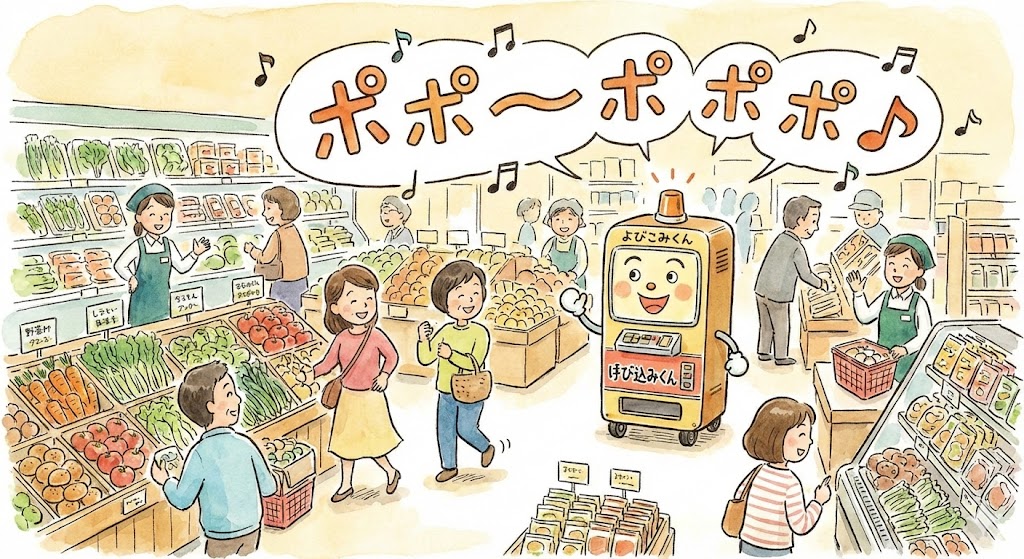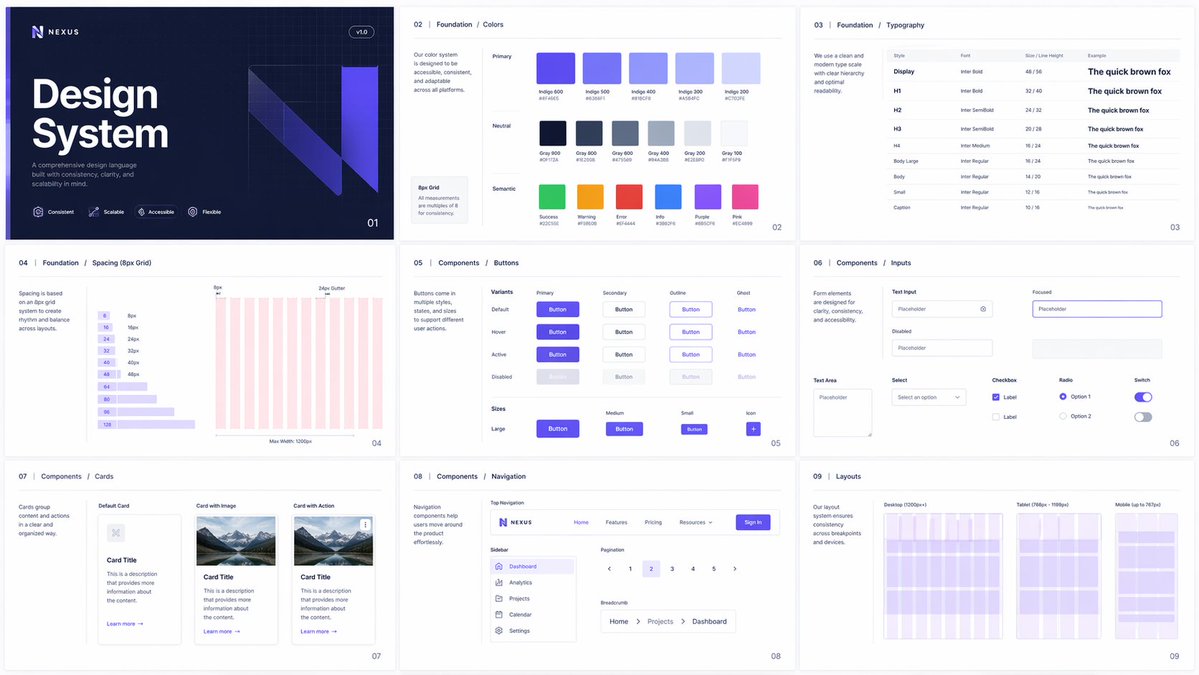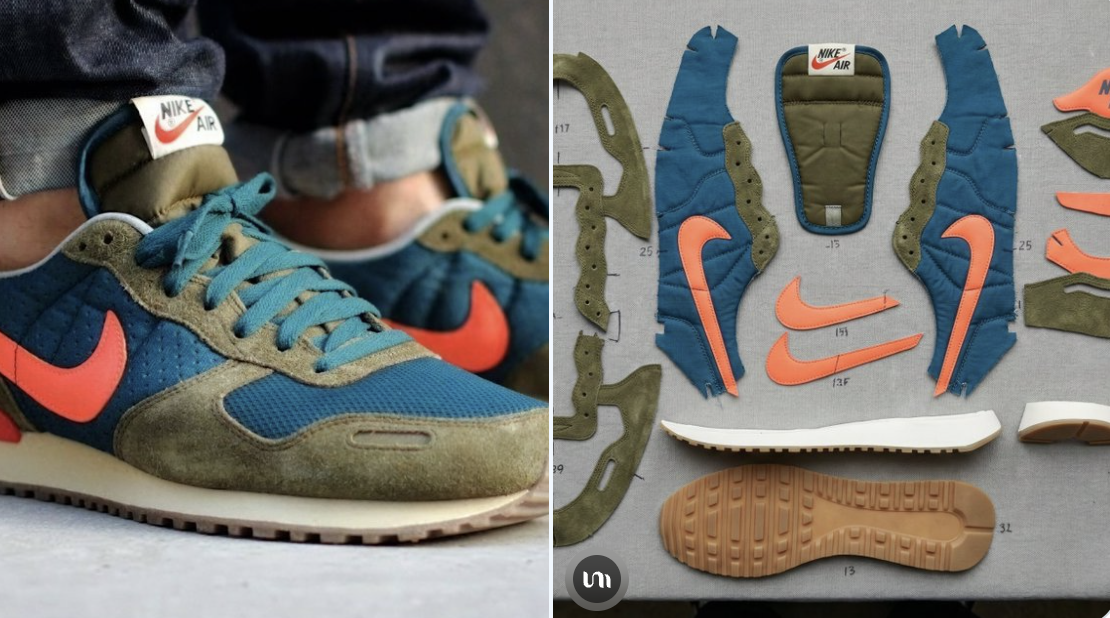
کسی photo یا social image کو hand-drawn arrows، circles، doodle marks، قابل تدوین note areas، اور صاف delivery crop کے ساتھ ایک شوخ annotated key visual میں بدلیں۔
پیش منظر
تصویری پرامپٹ
Photo annotation پری ویو، clear subject focus، playful doodle marks، readable notes، قابل تدوین text areas، اور safe social cropping پر مرکوز۔
ڈوڈل فوٹو اینوٹیشن پرامپٹ، قابل تدوین photo subject، hand-drawn arrows، circles، note areas، social crop، اور brand-safe review checks کے ساتھ۔
شوخ ڈوڈل فوٹو اینوٹیشن کے لیے production-ready image prompt ڈیزائن کریں۔ قابل تدوین photo subject، setting، supporting props، doodle marks، annotation labels، composition، camera angle، lighting direction، color palette، aspect ratio، اور intended delivery use واضح کریں۔ image کو social-ready photo کے طور پر بنائیں جس میں hand-drawn arrows، circles، underlines، stickers، اور margin notes subject کی طرف اشارہ کریں مگر key details کو نہ ڈھانپیں۔ تمام notes، icons، اور marks قابل تدوین رکھیں، captions کے لیے readable negative space چھوڑیں، اور brand adaptation کے لیے جگہ محفوظ رکھیں۔ distorted handwriting، fixed logos، real brand names، celebrity likenesses، protected characters، unsupported claims، cluttered backgrounds، mismatched doodles، اور photo subject سے unrelated marks سے بچیں۔
استعمال کے نوٹس
photo subject، scene، doodle style، annotation labels، palette، camera angle، aspect ratio، اور final social یا delivery use کو بدلیں۔
پرامپٹ کے عمومی سوالات
photo subject، scene، supporting props، doodle style، annotation labels، palette، camera angle، aspect ratio، اور final social یا delivery use کو بدلیں۔
photo clarity، doodle placement، annotation readability، قابل تدوین text اور marks، crop safety، brand safety، اور یہ دیکھیں کہ unwanted logos، distorted handwriting، یا unsupported claims تو ظاہر نہیں ہوئے۔
ہاں۔ photo-plus-doodle annotation structure اور review checks برقرار رکھیں، پھر جس campaign کو آپ بنا رہے ہیں اس کے لیے subject، scene، palette، annotation tone، اور delivery format بدل دیں۔
اس طرز میں مزید پرامپٹس