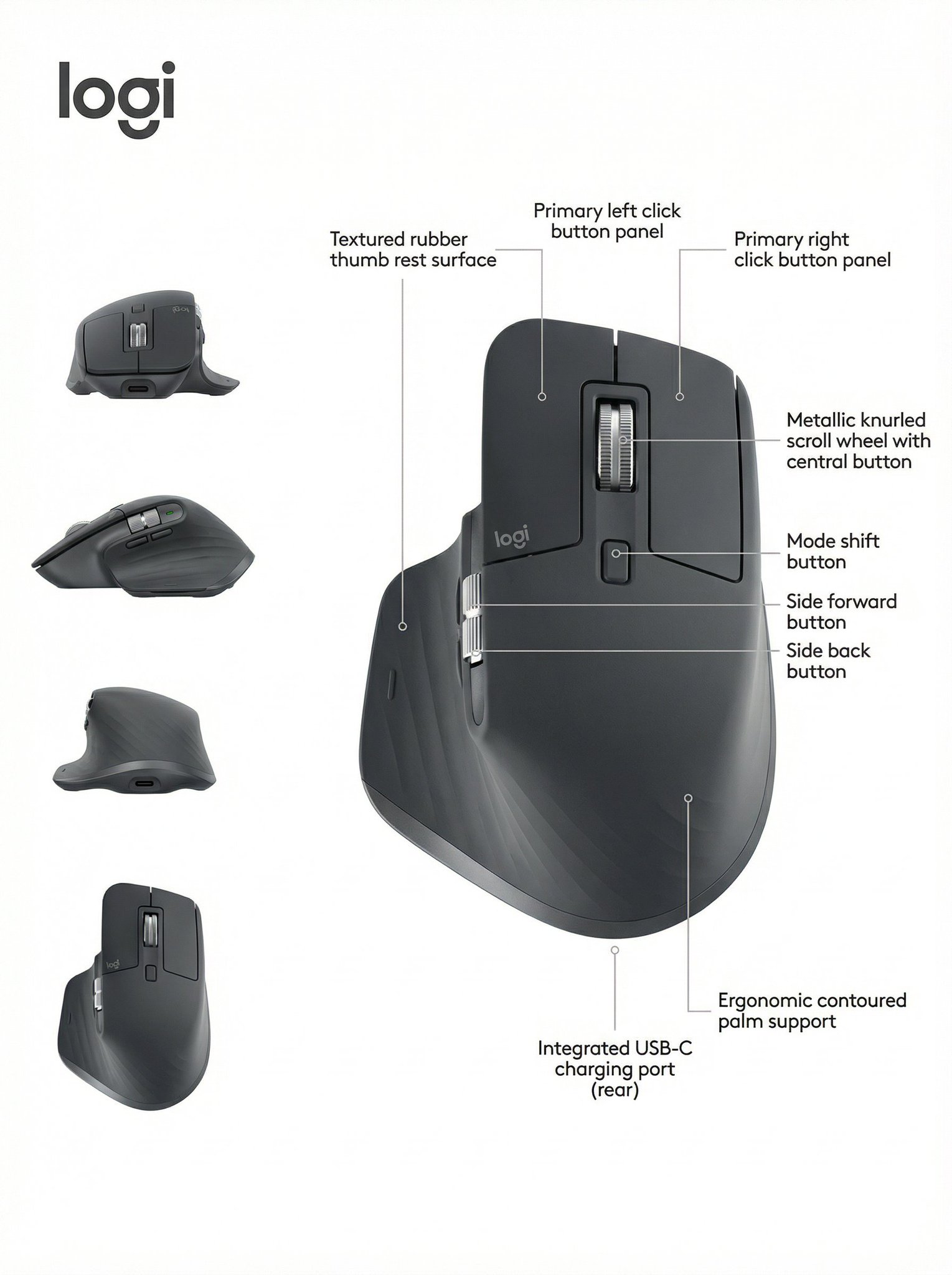
ایک صاف isometric technical infographic بنائیں جو cutaways، callouts، اور function arrows کے ذریعے device کی وضاحت کرے۔
تجویز کردہ ماڈل اور پرامپٹ پہلے سے درج ہوں گے۔ ان پٹ مواد اور تخلیق کی ترتیبات خود منتخب کریں۔
پیش منظر
تصویری پرامپٹ
Isometric device teardown infographic preview، جو component clarity، isometric depth، اور editable callouts پر مرکوز ہے۔
realistic render، cutaway layers، technical callouts، اور restrained function colors کے ساتھ isometric device teardown infographic۔
[DEVICE_OR_PRODUCT] کے لیے pure white یا بہت light background پر 45-degree isometric 3D view استعمال کرتے ہوئے polished 1:1 technical infographic بنائیں۔ object کو ہلکا سا tilted دکھائیں تاکہ exterior form، internal architecture، اور component depth آسانی سے readable ہوں۔ realistic product render کو precise black technical linework، transparent cutaway windows، جہاں مفید ہو exploded component layers، اور compact editable callout boxes کے ساتھ combine کریں۔ functions کو الگ کرنے کے لیے restrained accent colors استعمال کریں: power یا battery، data یا connectivity، thermal یا processor flow، sensors یا controls، اور structural materials۔ small title box، چند scale markers، material notes، اور simple schematic insets صرف تب شامل کریں جب وہ device کو clarify کریں۔ layout کو museum-exhibit clean رکھیں، balanced negative space کے ساتھ، اور اتنے labels سے زیادہ نہ ہو جتنے viewer read کر سکے۔ real brand names، copied product logos، fake certification marks، unreadable micro text، impossible component order، excessive arrows، misleading measurements، اور ایسے decorative sci-fi parts سے بچیں جو described object سے تعلق نہیں رکھتے۔
استعمال کے نوٹس
چلانے سے پہلے device، real component list، function color key، title language، measurements، اور کوئی بھی allowed technical claims تبدیل کریں۔
پرامپٹ کے عمومی سوالات
یہ small electronics، tools، appliances، hardware modules، medical-style devices، اور visible functional layers والے product concepts کے لیے اچھا کام کرتا ہے۔
real component list دیں، parts کو object structure کے مطابق aligned رکھیں، اور ایسے internal labels remove کریں جنہیں آپ reasonably describe نہیں کر سکتے۔
صرف وہ labels استعمال کریں جو آپ own کرتے ہیں یا verify کر چکے ہیں۔ ورنہ تمام marks کو generic، editable، اور technical claims سے clearly separated رکھیں۔
اس طرز میں مزید پرامپٹس