
Rivya 저널

작성자
카테고리
계속 탐색
Rivya 팀의 관련 가이드, 제품 노트, 워크플로 분석을 계속 읽어보세요.
좋은 제품 사진 프롬프트는 스타일 표현을 길게 늘어놓은 문단이 아닙니다.
제품이 어떻게 보여야 하는지, 이미지를 어디에 쓸지, 참조 자료가 무엇을 제어할지, 어떤 문제가 생기면 결과를 쓸 수 없는지를 정리한 짧은 제작 기획서입니다.
이 안내는 제품 사진, 이커머스 이미지, 상품 등록 소재와 통제된 제품 이미지 제작에 활용할 수 있습니다.
어디서 시작해야 할지 모르겠다면 다음 구조를 사용하세요.
[제품]을 위한 [소재 유형]을 만드세요.
제품은 [소재, 색상, 형태, 포장, 화면에 보여야 하는 중요한 세부 정보]입니다.
이미지를 [사용 위치]에 사용할 것이므로 [배경 / 표면 / 조명]을 적용하세요.
[반드시 유지할 세부 정보]가 명확하게 보이게 하세요.
[이미지를 쓸 수 없게 만드는 요소]는 피하세요.
예시:
무광 검은색 보온 물병을 위한 깔끔한 이커머스 제품 사진을 만드세요.
물병에는 좁은 뚜껑, 은은한 세로형 손잡이 질감과 작은 전면 라벨 영역이 있습니다.
상품 등록 페이지에 사용할 이미지이므로 밝은 회색 스튜디오 배경과 부드러운 그림자를 적용하세요.
물병을 중앙에 두고 라벨 영역이 보이게 유지하세요.
소품, 손, 물 튀김과 과도하게 극적인 조명은 피하세요.
이 구성은 작업 목적, 제품 정보, 배경 설정과 검토 기준을 함께 전달합니다.
고급스러움, 영화 같은 분위기, 현대적, 아름다움 같은 스타일 표현부터 시작하지 마세요.
먼저 제품 정보를 적으세요.
제품 종류
소재
색상
형태
포장
화면에 보여야 하는 로고 또는 라벨
분명하게 유지해야 하는 중요한 기능
스타일은 이후에 제품 설명을 보완할 수 있지만 제품 정보 자체를 대신해서는 안 됩니다.
배경은 단순한 장식이 아닙니다. 이미지의 실제 용도를 보여 줍니다.
예를 들면 다음과 같습니다.
마켓플레이스에서 제품을 분명히 보여 줄 때는 흰색 또는 밝은 회색
고급 제품 사진에는 깔끔한 표면
구매자가 사용 맥락을 이해해야 할 때는 실제 사용 장면
브랜드 체계에 맞는 경우에만 브랜드 색상 배경
사용 방식, 크기 또는 고객층을 설명할 때만 단순한 소품
배경이 제품보다 더 눈에 띈다면 제품 사진의 목적에서 벗어나고 있을 수 있습니다.
조명은 제품에 대한 신뢰에 영향을 줍니다.
흔히 사용할 수 있는 조명은 다음과 같습니다.
제품을 분명하게 보여 주는 부드러운 스튜디오 조명
형태를 드러내는 한 방향의 그림자
생활 장면에 어울리는 자연광
브랜드가 감당할 수 있는 경우에만 강한 명암 대비
“영화 같은 조명”이라고만 쓰지 말고 조명이 무엇을 해야 하는지 적으세요. 예를 들어 부드러운 스튜디오 조명과 물병 아래의 작은 그림자처럼 작성할 수 있습니다.
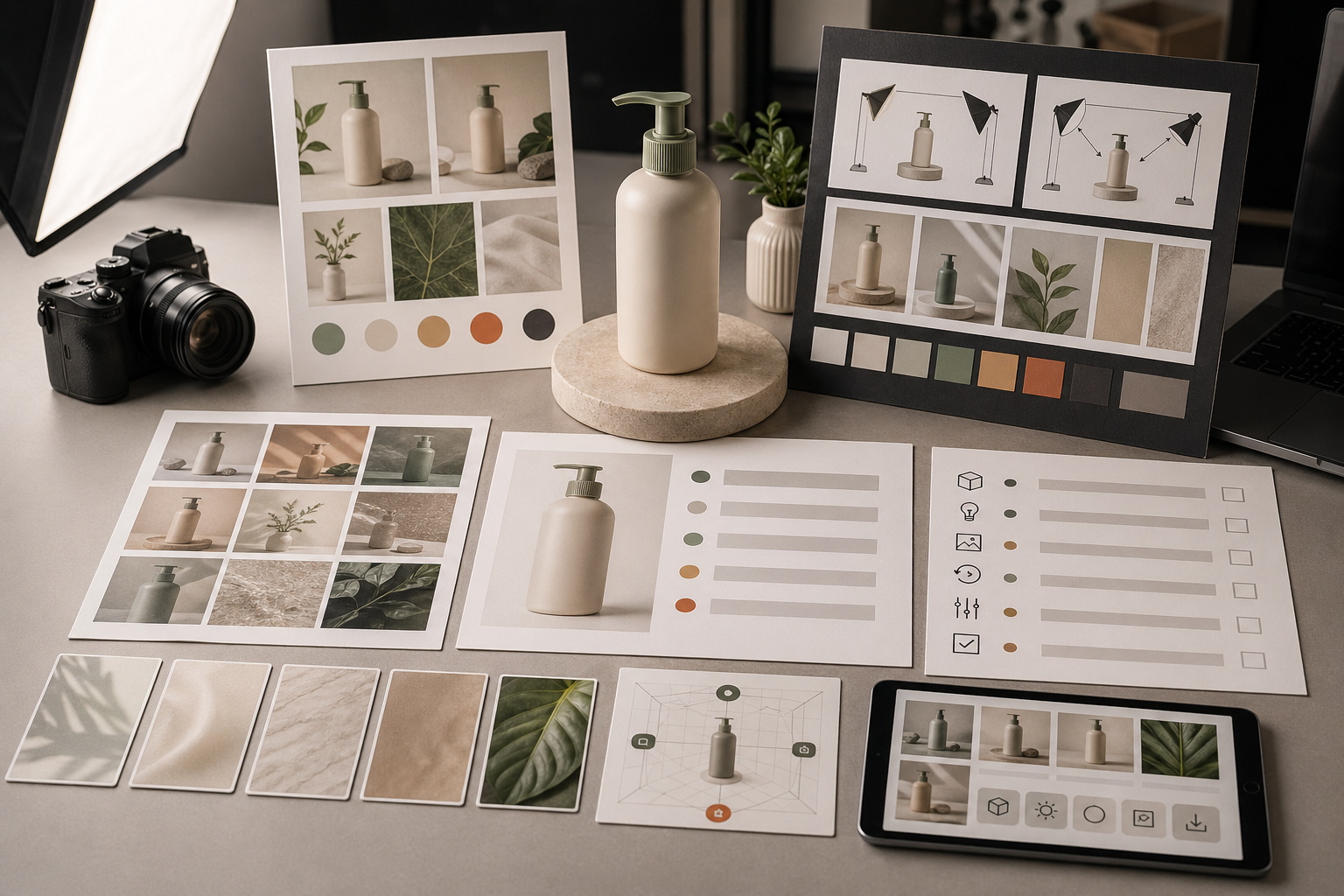
제품 정체성, 구도 또는 브랜드 방향이 중요할 때 참조 이미지가 도움이 됩니다.
참조 자료는 다음 요소를 안내할 수 있습니다.
실제 제품 형태
포장 비율
기존 색상 조합
선호하는 각도
이전 이미지 체계
서로 연결된 제품 사진 세트
역할을 설명하지 않고 참조 자료만 업로드하지 마세요. 제품 형태만 참고하고 배경은 따르지 마세요 또는 조명과 구도에만 사용하세요처럼 적으세요.
제품 참조 이미지에 대한 자세한 내용은 Rivya 이미지 참조 안내를 읽으세요.
약한 프롬프트:
고급스러운 제품 사진을 만들어 주세요. 물병, 영화 같은 분위기, 아름다움, 전문적, 고급스러움.더 나은 프롬프트:
무광 검은색 보온 물병을 위한 깔끔한 스튜디오 제품 사진을 만드세요. 물병에는 좁은 뚜껑과 은은한 손잡이 질감이 있습니다.
밝은 회색 배경, 부드러운 스튜디오 조명과 작은 자연스러운 그림자를 적용하세요.
물병을 곧게 세워 중앙에 두고 라벨 영역이 보이게 유지하세요.
손, 소품, 물 튀김과 복잡한 배경은 제외하세요.
더 나은 버전이 긴 이유는 멋있게 보이기 위해서가 아니라 검토할 수 있는 구체적인 조건을 제공하기 때문입니다.
다음을 피하세요.
이미지 한 장에 너무 많은 각도 요구하기
상품 등록, 생활 장면과 광고 콘셉트를 하나의 프롬프트에 섞기
화면에 보여야 하는 정확한 물체 대신 모호하게 제품을 설명하기
제품 정보보다 스타일 표현을 먼저 쓰기
무엇을 제어할지 설명하지 않고 참조 자료에만 의존하기
Amazon, 랜딩 페이지 또는 유료 광고 같은 최종 사용 위치를 빠뜨리기
결과에서 무엇을 확인해야 하는지 프롬프트만 보고 알 수 없다면 아직 너무 모호한 것입니다.
제품 이미지를 사용하거나 반복해서 수정하기 전에 확인하세요.
제품이 의도한 물체와 일치하는가?
라벨, 로고와 포장 세부 정보가 허용할 수준인가?
각도가 사용할 페이지나 상품 등록 위치에 맞는가?
배경이 판매 맥락에 도움이 되는가?
가장자리, 손, 반사 또는 글자 주변에 왜곡이 있는가?
이미지가 브랜드와 상업적 이용 기준에 맞는가?
제품이 달라졌다면 제품 정보 또는 참조 자료를 고치세요. 분위기가 맞지 않다면 조명과 배경을 조정하세요. 모든 조건을 한 번에 바꾸지 마세요.
다음 순서로 시작할 수 있습니다.
생성할 준비가 되면 Rivya Image Studio를 사용합니다.
참조 자료가 실제 작업에 필요할 때만 업로드합니다.
여러 변형을 만들기 전에 첫 결과를 검토합니다.
유용한 결과물은 Rivya 작업 기록에 저장합니다.
상업적 이용 검토에는 Rivya 결과물의 소유권과 상업적 이용을 읽으세요.
프롬프트가 아직 너무 광범위하다면 Rivya 프롬프트 작성 기초를 사용하세요.
스튜디오 제품 사진, 참조 자료 기반 촬영과 대표 이미지 중에서 선택하려면 AI 제품 사진 생성기를 사용하세요.
마켓플레이스 상품 등록 이미지라면 Amazon용 AI 제품 사진을 사용하세요.
아직 모델 경로를 선택해야 한다면 2026년 최고의 AI 이미지 생성기를 참고하세요.


